Web App Development
Custom web apps and platforms: booking systems, marketplaces, dashboards, client logins and SaaS products, built around your rules and your users.
- A fixed price for the first version
- A working version about a week after the deposit
- Your data stays yours; code ownership agreed upfront
Sounds familiar?
Your team runs the business from spreadsheets that keep breaking.
Customers cannot sign in, book or pay without calling you.
You have a product idea and need a first version people can use.
Some problems need more than a website. When people have to sign in, book, pay, apply or manage work every day, you need a web app built around how your business runs.
What we build.
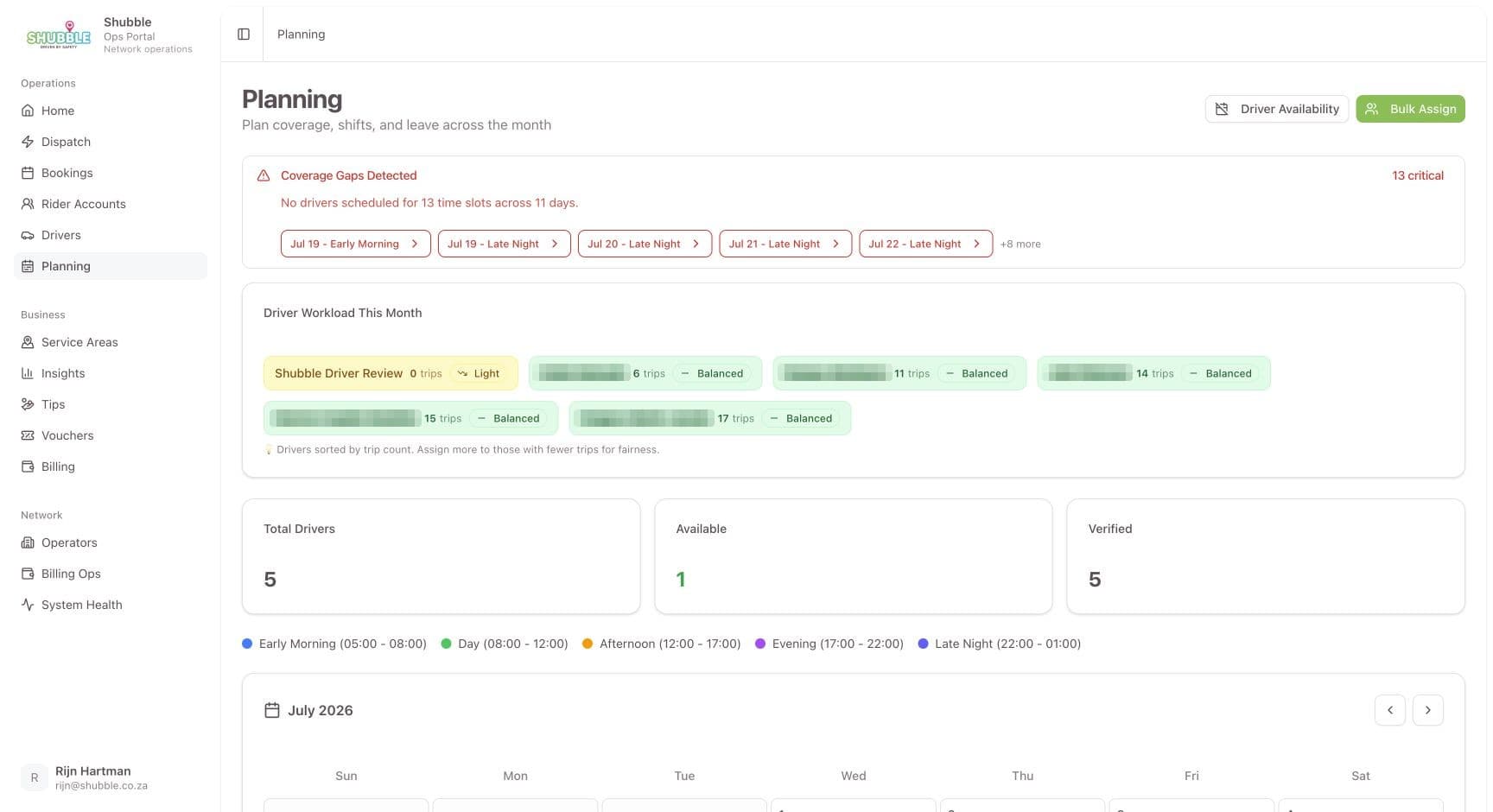
Booking and scheduling
Calendars, availability and approvals that follow your own rules.
Screen from Shubble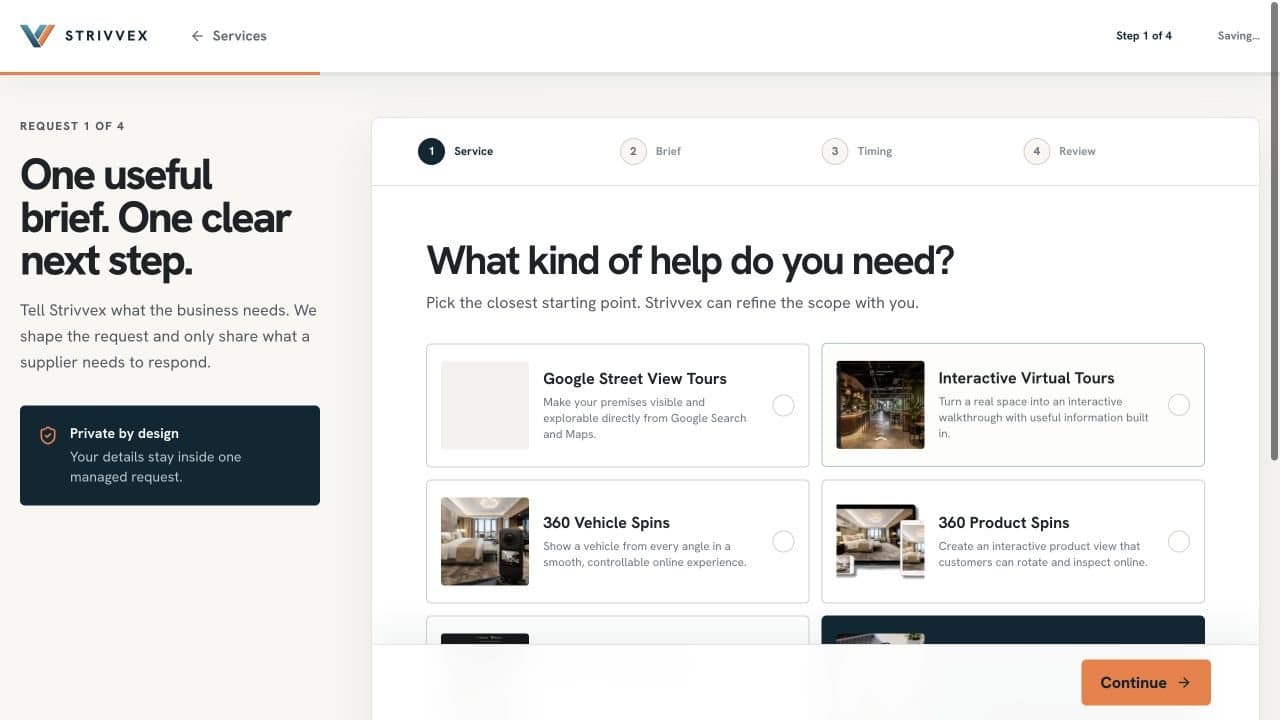
Marketplaces and directories
Requests, listings and quotes between buyers and suppliers, with payment in the middle.
Screen from Strivvex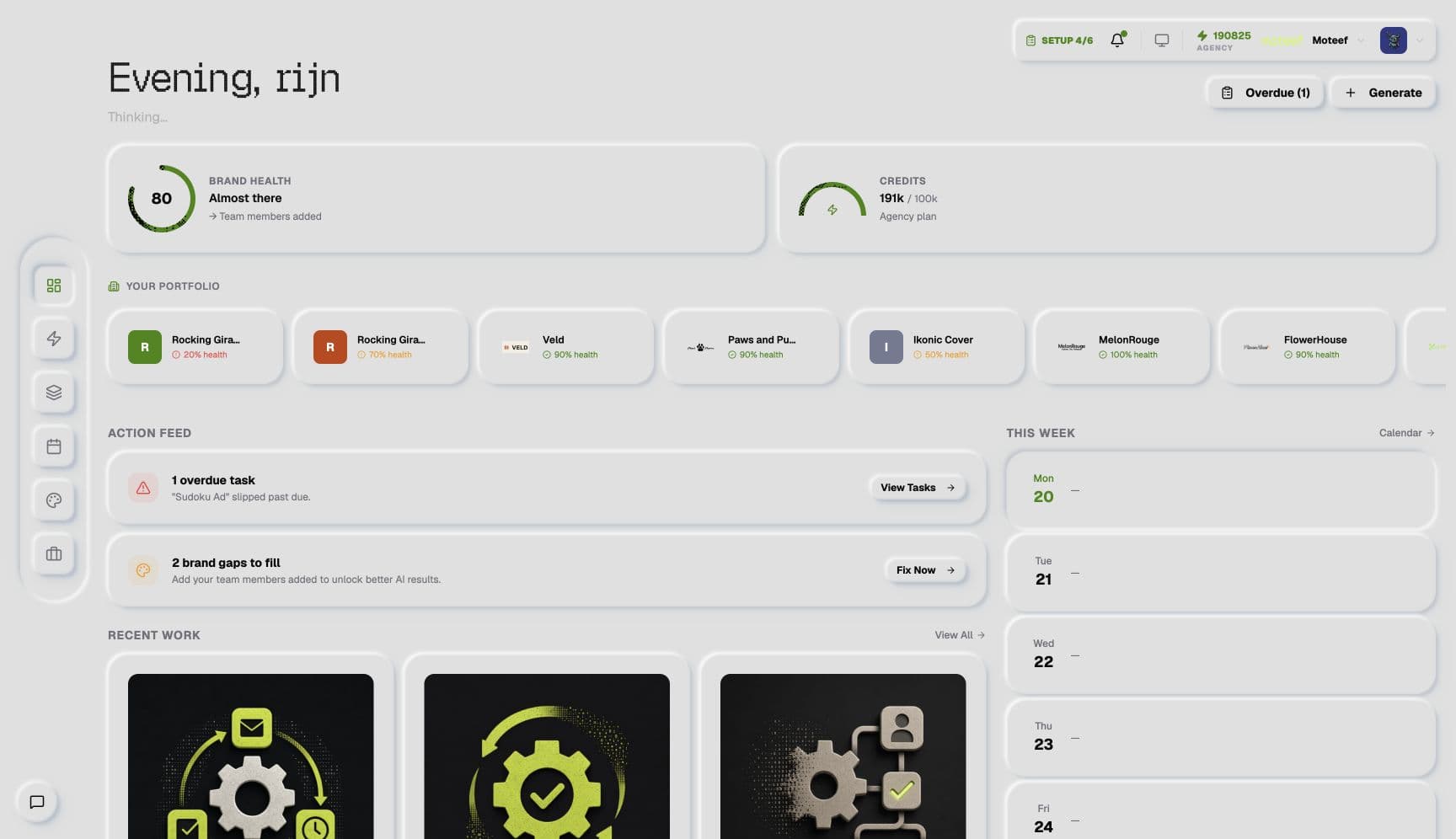
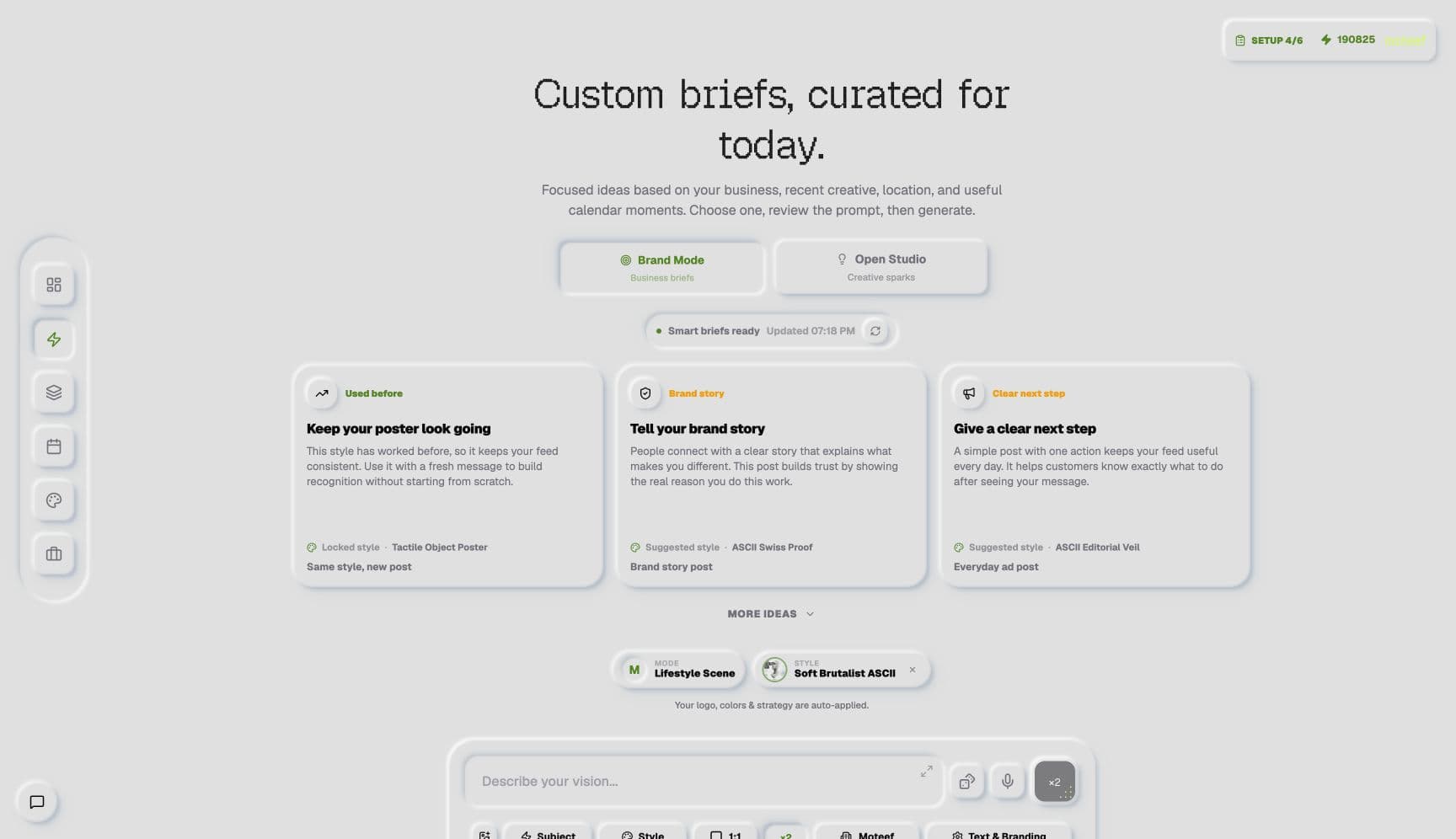
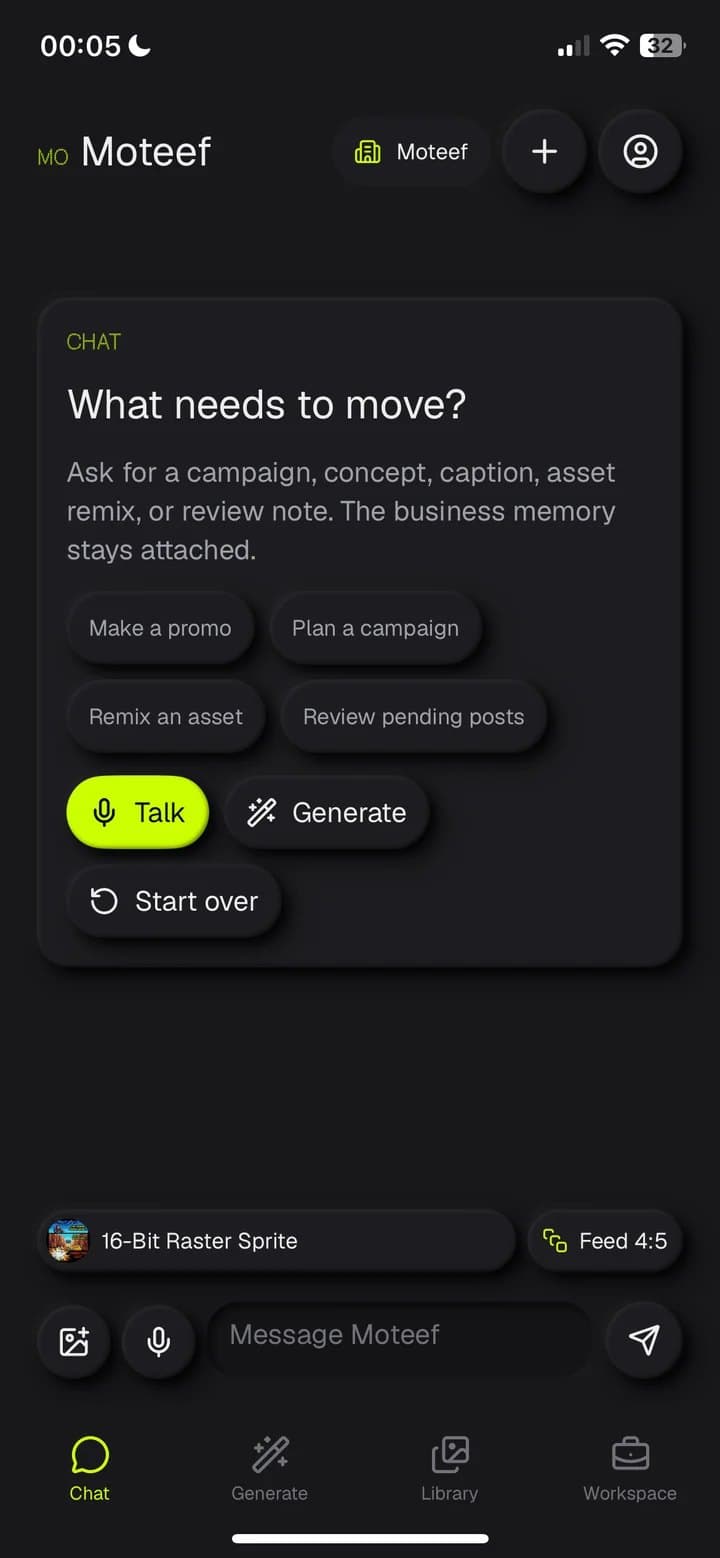
SaaS products
Accounts, teams, subscriptions and the product itself, ready to sell.
Screen from Moteef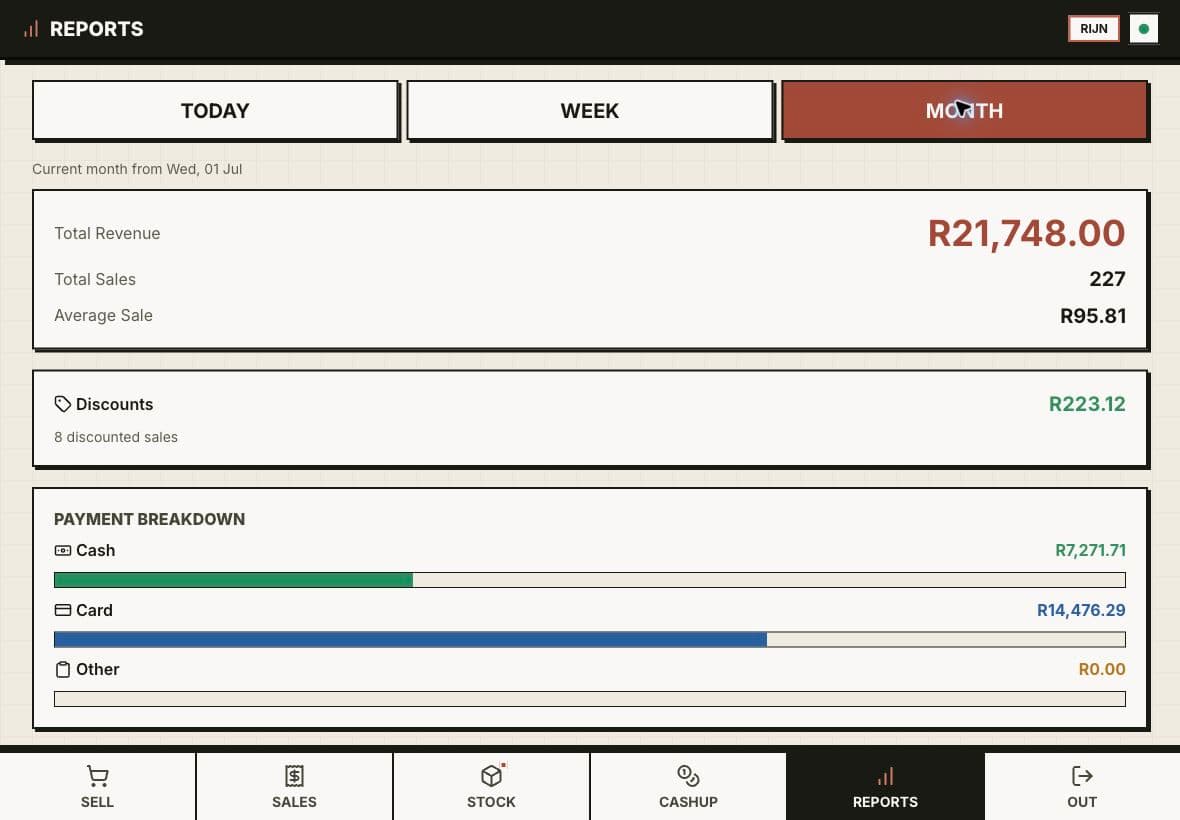
Dashboards and internal tools
The numbers and the to-dos your team needs, in one place.
Screen from Custom Point of Sale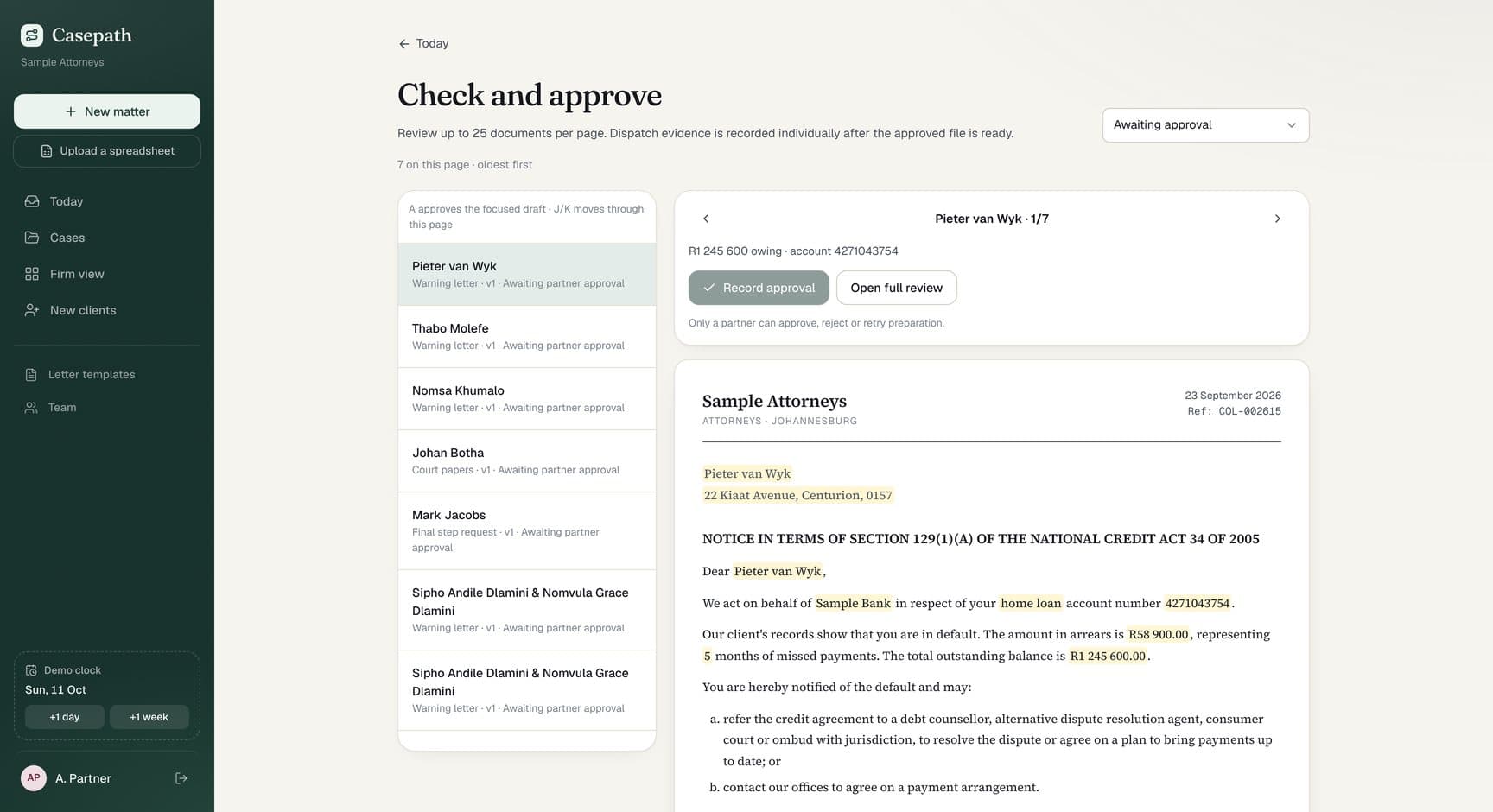
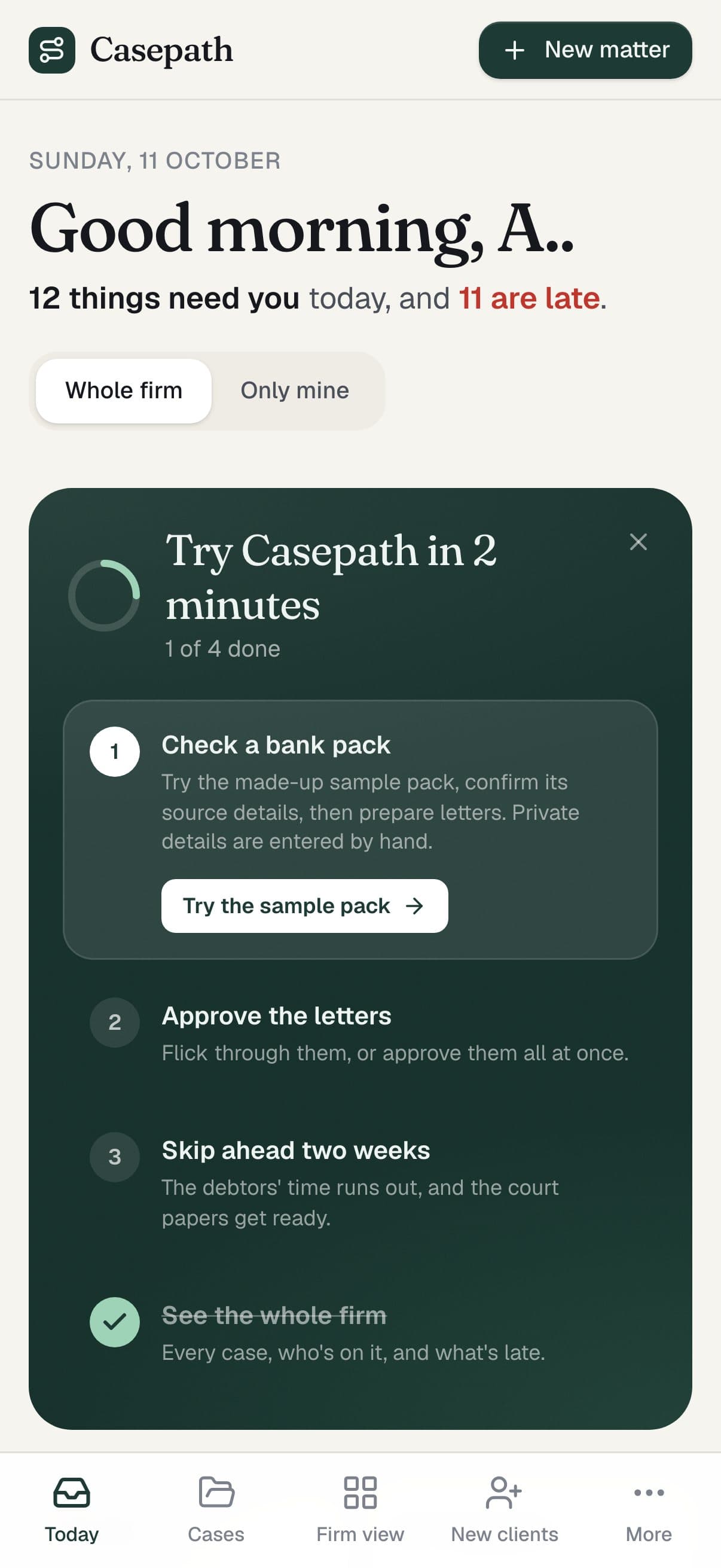
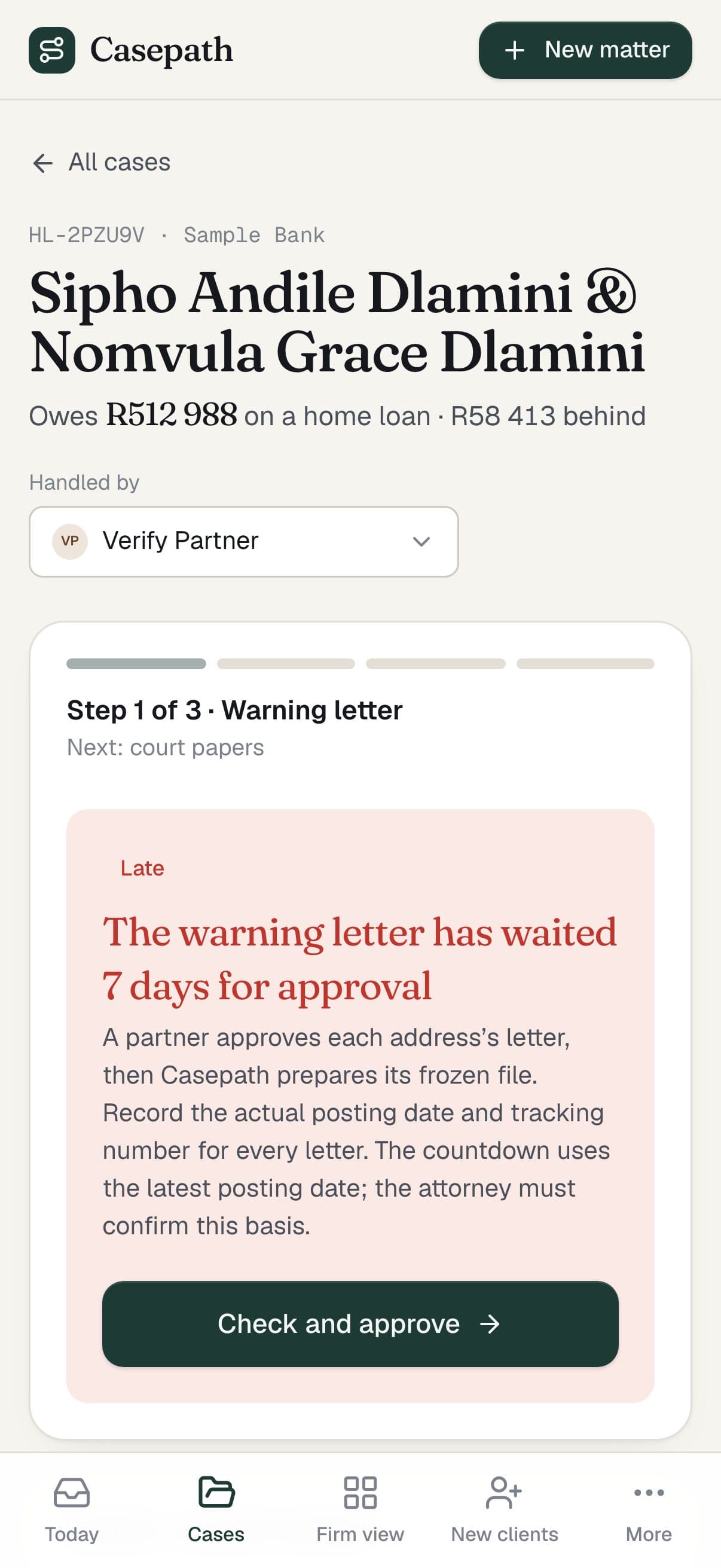
Client logins and workflows
Documents, checks and approvals that move work from one person to the next.
Screen from Casepath
How it works.
Start
Step 1: A call
Who uses it, what they need to do and the rules behind it. Bring the spreadsheet, the paper form or the idea.
Before any work
Step 2: Brief and fixed price
A short brief, then a proposal with a fixed price for the first version. Anything that can wait goes on a list for later.
Day 0
Step 3: Agreement and deposit
You sign and pay the deposit. We set up the accounts, data and sign-in first.
About a week later
Step 4: First working version
A working version on a preview link, with real screens to click through.
While we build
Step 5: Build in stages
Feedback by voice note, screenshot or doc. Changes are cheap while we are still building, and simple ones often ship the same day.
On your date
Step 6: Tested and live
AI agents test every flow, from sign-up to payment, on phone and desktop. You pick the launch date.
Then, your choice.
Handover
A clean handover of the code, accounts and docs agreed in the proposal.
Monthly plan
We host it, support it and send a regular report.
Product partnership
For bigger builds: a monthly retainer to keep fixing and improving it, with priorities agreed together.
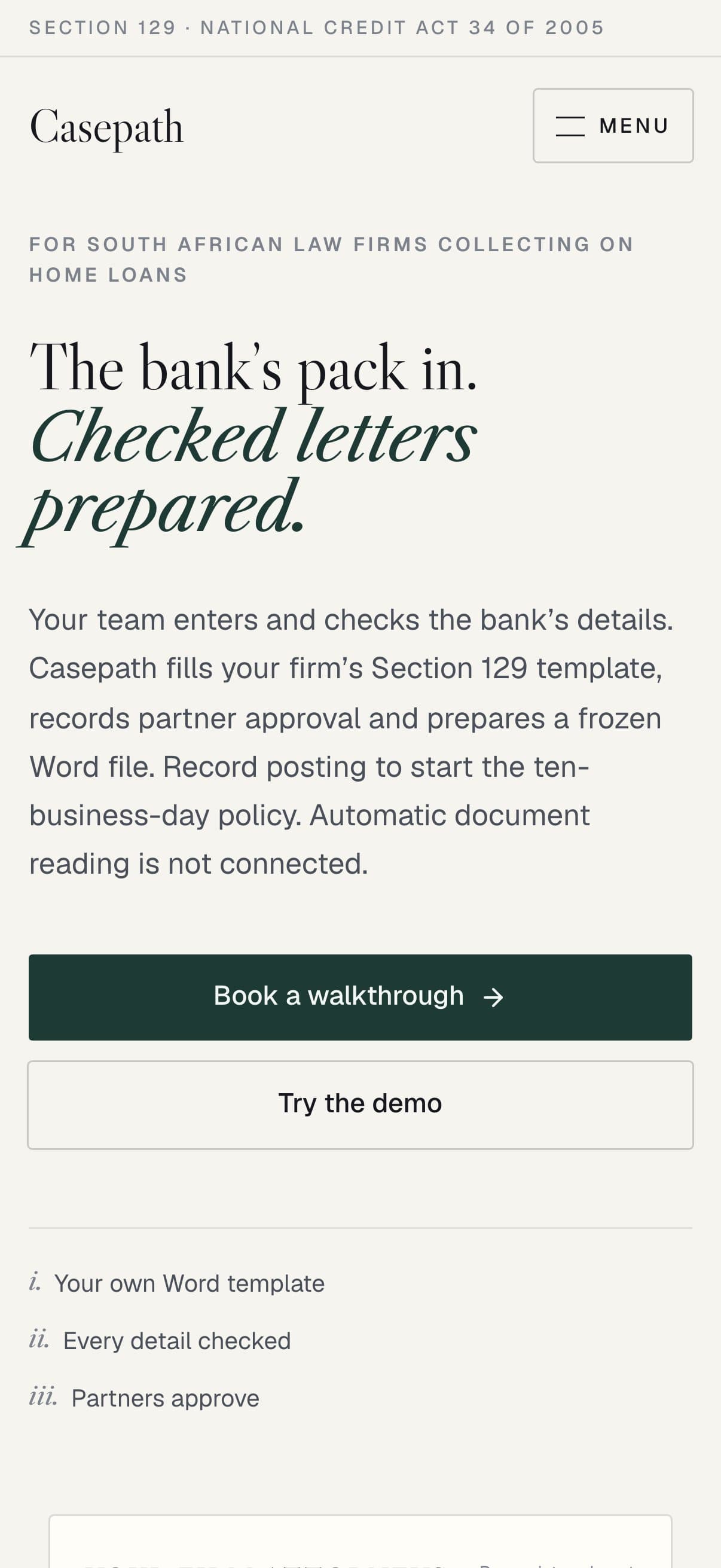
Real projects. Real screens.
A services marketplace, legal case software and an AI marketing studio. Real screens, in use.
All our work







The tools behind it.
Every tool here is in a product we have built and shipped. We pick them once the problem is clear, and set them up in accounts you own.
See the full toolbenchWhy work with us.
We have built a family transport platform, a regional tourism platform with a printed-map portal, a services marketplace, legal case software and AI products of our own. One founder-led team designs, builds and runs it, so you get the output of a full product team without hiring one.
- From the first line of code to a live pilotRoomwise, our AI inspection reports, from our own repository
- 5 days
- From idea to a working town app prototypeMagaliesburg town app, from our own repository
- 2 days
- Changes we committed across our projects this yearCounted from git, 1 Jan to 11 Oct 2026
- 4 083
Our own counts come from a dated snapshot of our repositories and release feeds (11 October 2026).
Fair questions.
Start with a call.
Tell us what you need. You get a short brief, then a written proposal with a fixed price before any work starts.
Start a conversationA website tells people about you. A web app lets them do things: sign in, book, pay, apply, manage records or run part of the business. Plenty of products are both.
We work it out together before the build. The must-haves go into a written proposal with a fixed price, and anything that can wait goes on a list for later. You usually get a working version to click through about a week after the deposit.
A fixed build fee for the agreed first version. Hosting, third-party services and any monthly plan are priced separately, so you can see what it costs to build and what it costs to run.
Often, yes. When the backend is built cleanly, a phone app can use the same accounts and data. Shubble, for example, has rider and driver apps next to its web-based operations portal.