Client Portals & Internal Systems
Client portals and internal systems that give customers, staff and suppliers one login to see where things stand, share documents, approve work and pay.
- A fixed price for the first version
- Each person sees only what they should
- Your data stays yours, with an agreed way out
Sounds familiar?
Clients phone or email to ask where things stand.
Staff check three places to answer one question.
Documents and approvals go back and forth by email.
If customers keep asking for updates and staff check three places for the answer, you need a portal. One login per person, showing exactly what they need and what to do next.
What we build.
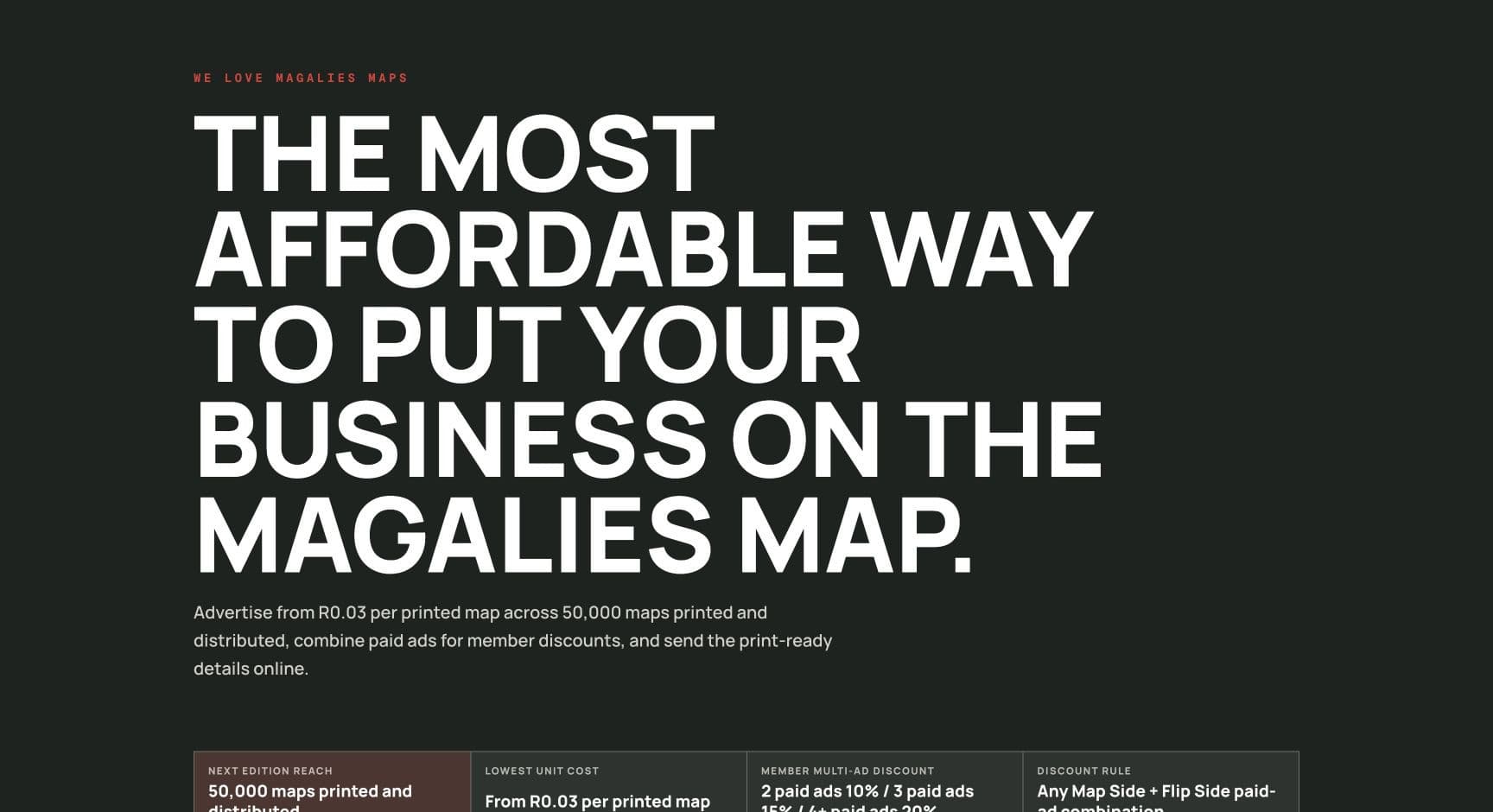
Client portals
One place where clients send what you need, see progress and get their documents.
Screen from We Love Magalies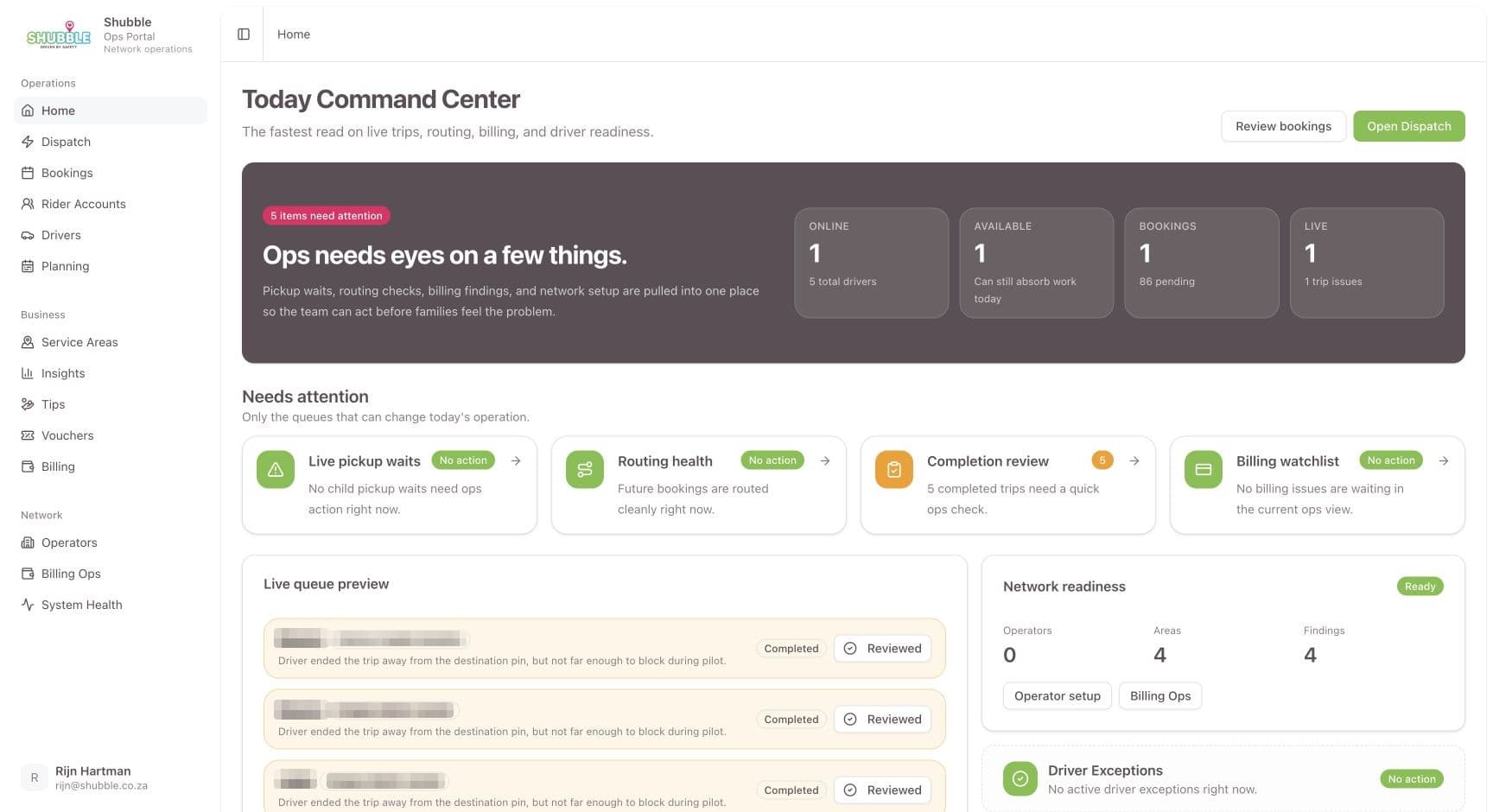
Operations dashboards
Today's work, the exceptions and the numbers, for the people running it.
Screen from Shubble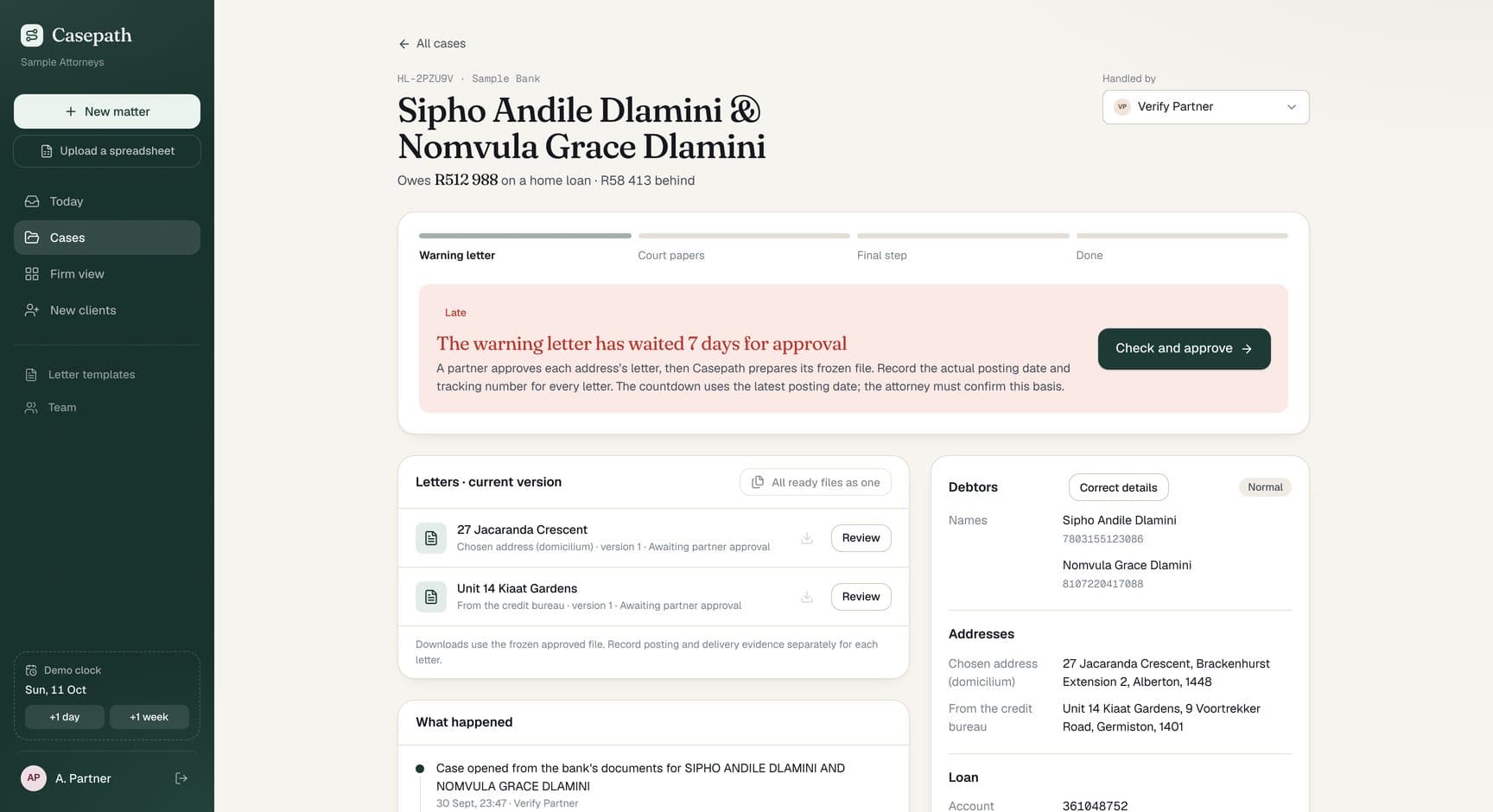
Applications, approvals and case files
Every case with its documents, checks and sign-offs in one record.
Screen from Casepath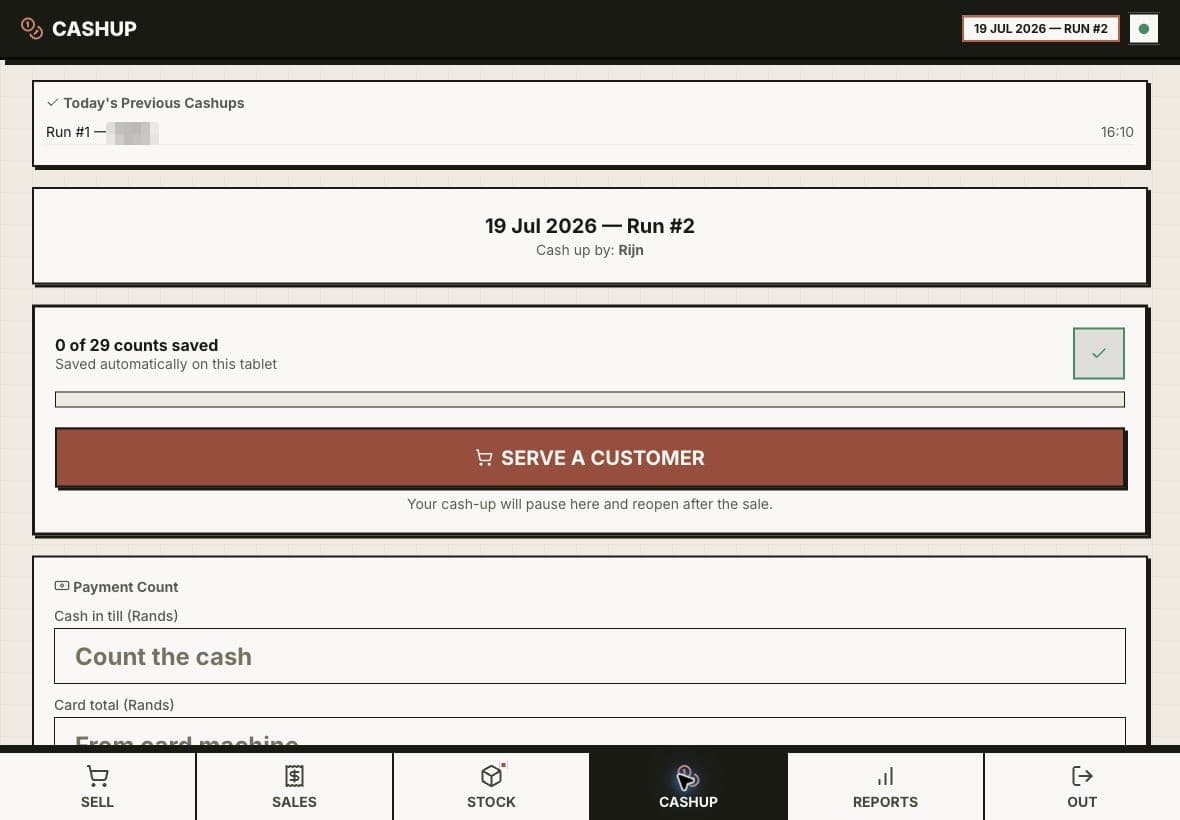
Booking, stock and staff tools
The daily tools your team works in, made for the job they do.
Screen from Custom Point of Sale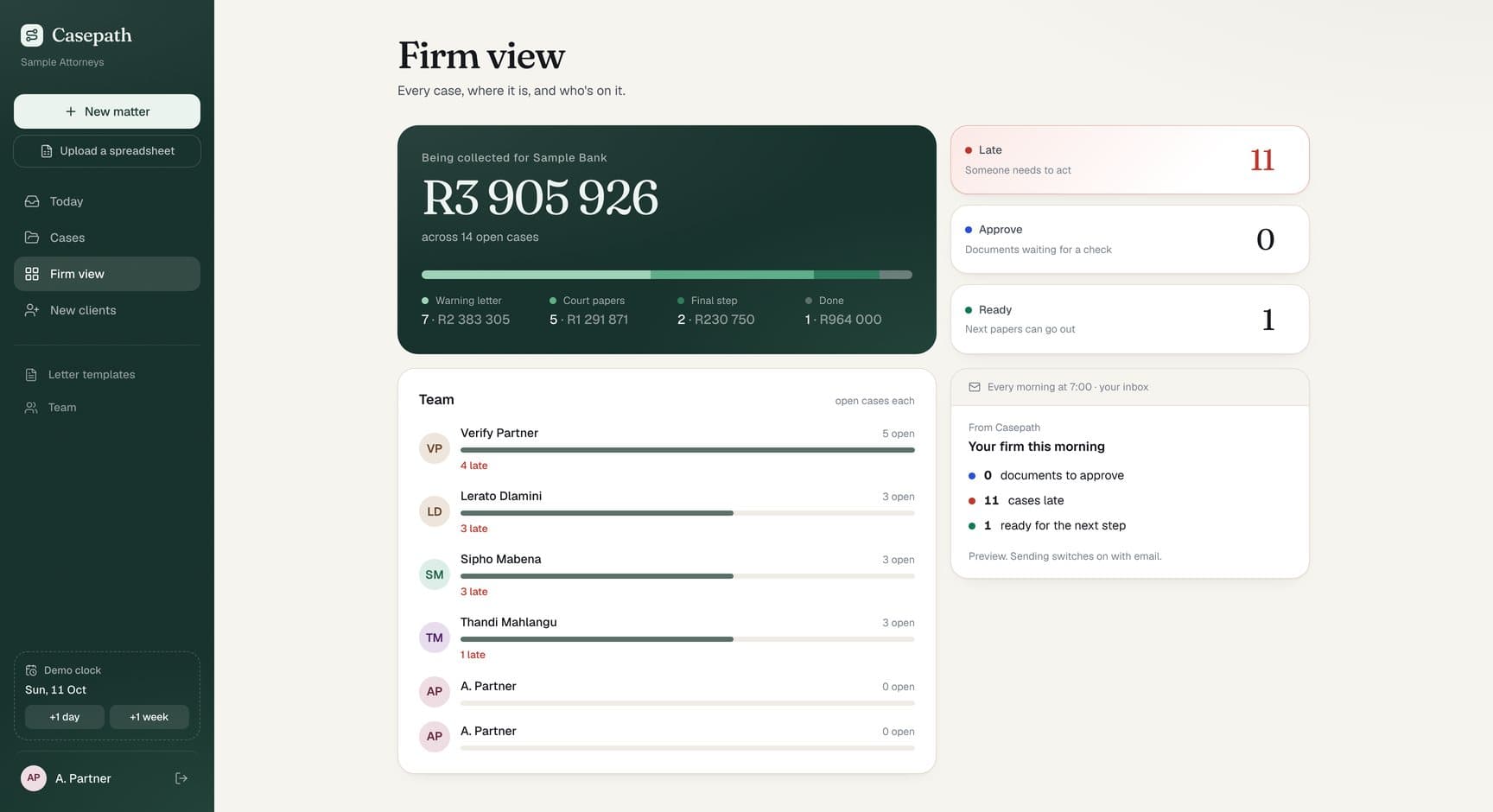
Roles, history and reports
Who can see what, who changed what, and reports you can trust.
Screen from Casepath
How it works.
Start
Step 1: A call
Who logs in, what each person needs to see and do, and where the data lives today.
Before any work
Step 2: Brief and fixed price
A short brief, then a proposal with a fixed price. If an existing tool, set up well, would do the job, we say so here.
Day 0
Step 3: Agreement and deposit
The agreement covers your data, who can access what, hosting and what happens if you leave. Then the deposit, and we start.
About a week later
Step 4: First working version
A portal on a preview link, with test accounts for each kind of user.
While we build
Step 5: Build in stages
Feedback by voice note, screenshot or doc. Simple changes often ship the same day.
On your date
Step 6: Tested and live
AI agents sign in as every role and test what each one can and cannot see. You pick the launch date.
Then, your choice.
Handover
The code, accounts and docs agreed in the proposal, handed over cleanly.
Monthly plan
It runs quietly: hosting, support, backups and a regular report.
Product partnership
We keep improving it with you as the business grows, priorities agreed each month.
Real projects. Real screens.
Portals and back offices for law firms, a regional tourism platform and a family transport service.
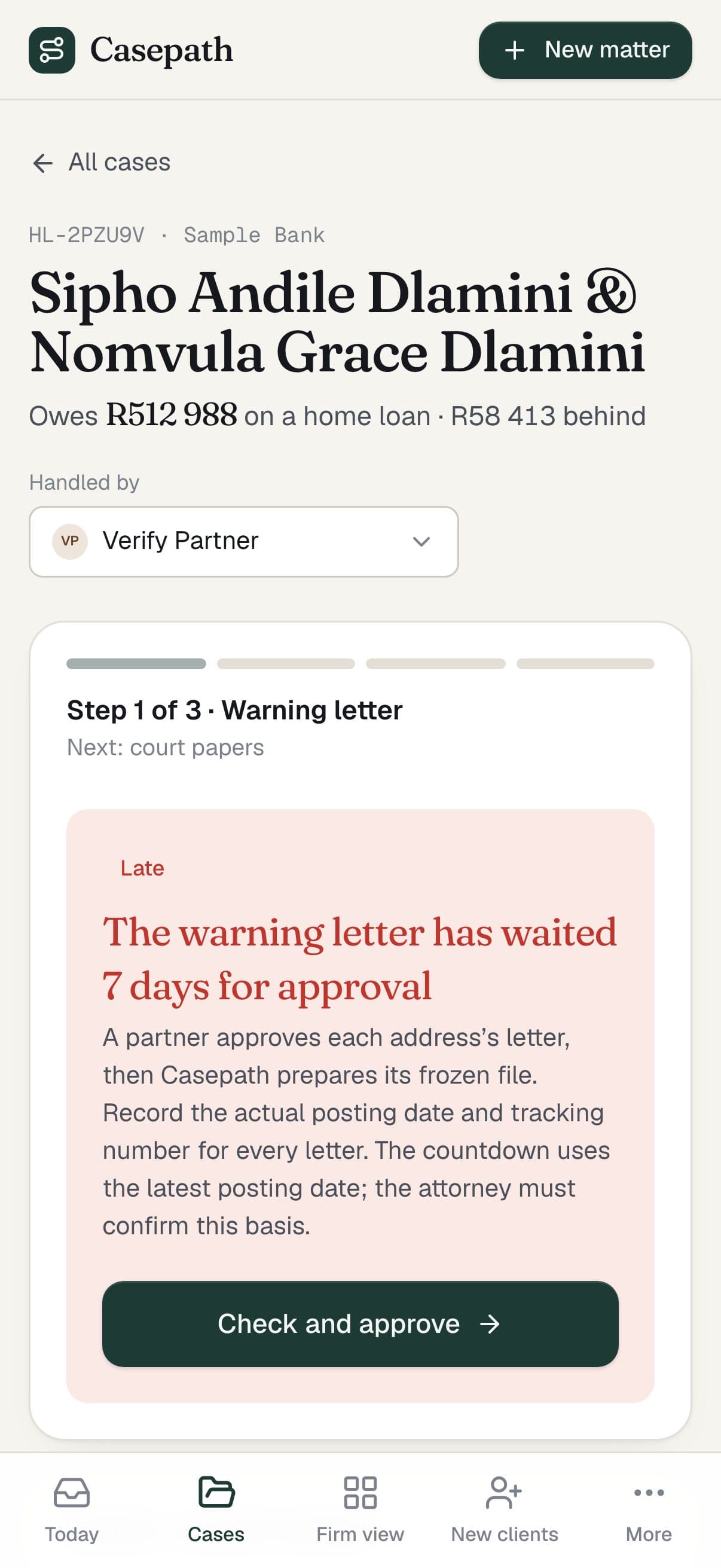
All our workCasepath
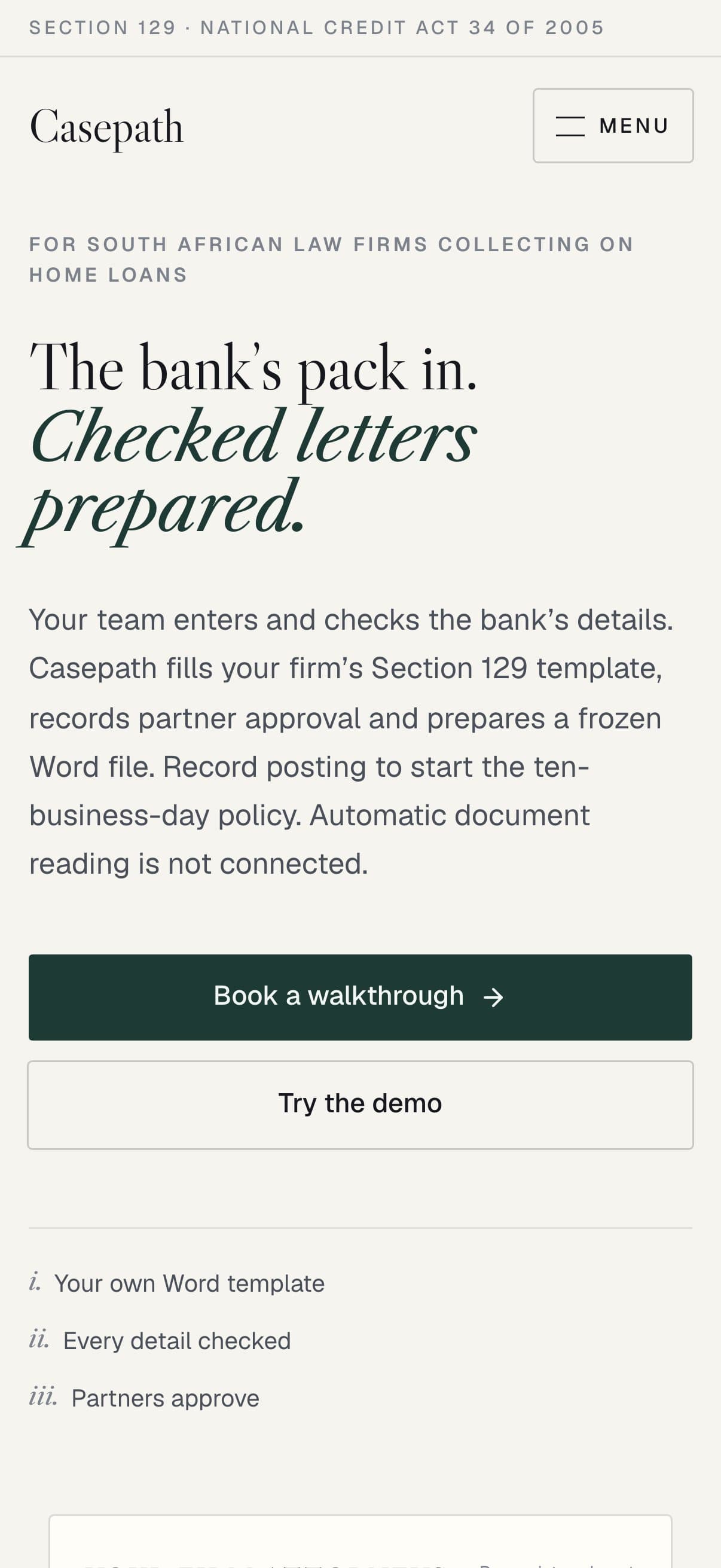
The bank's pack in. Letters out.
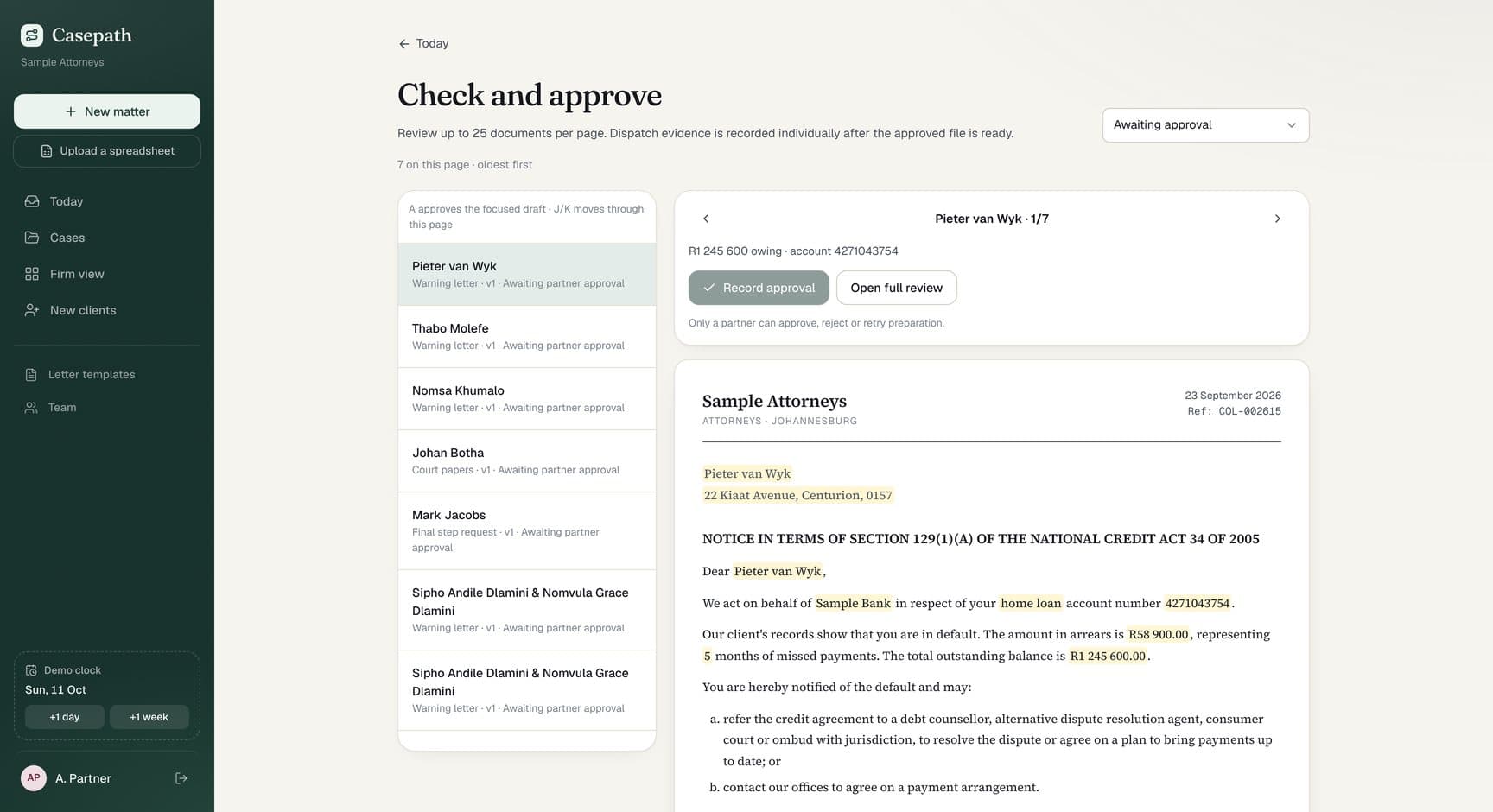
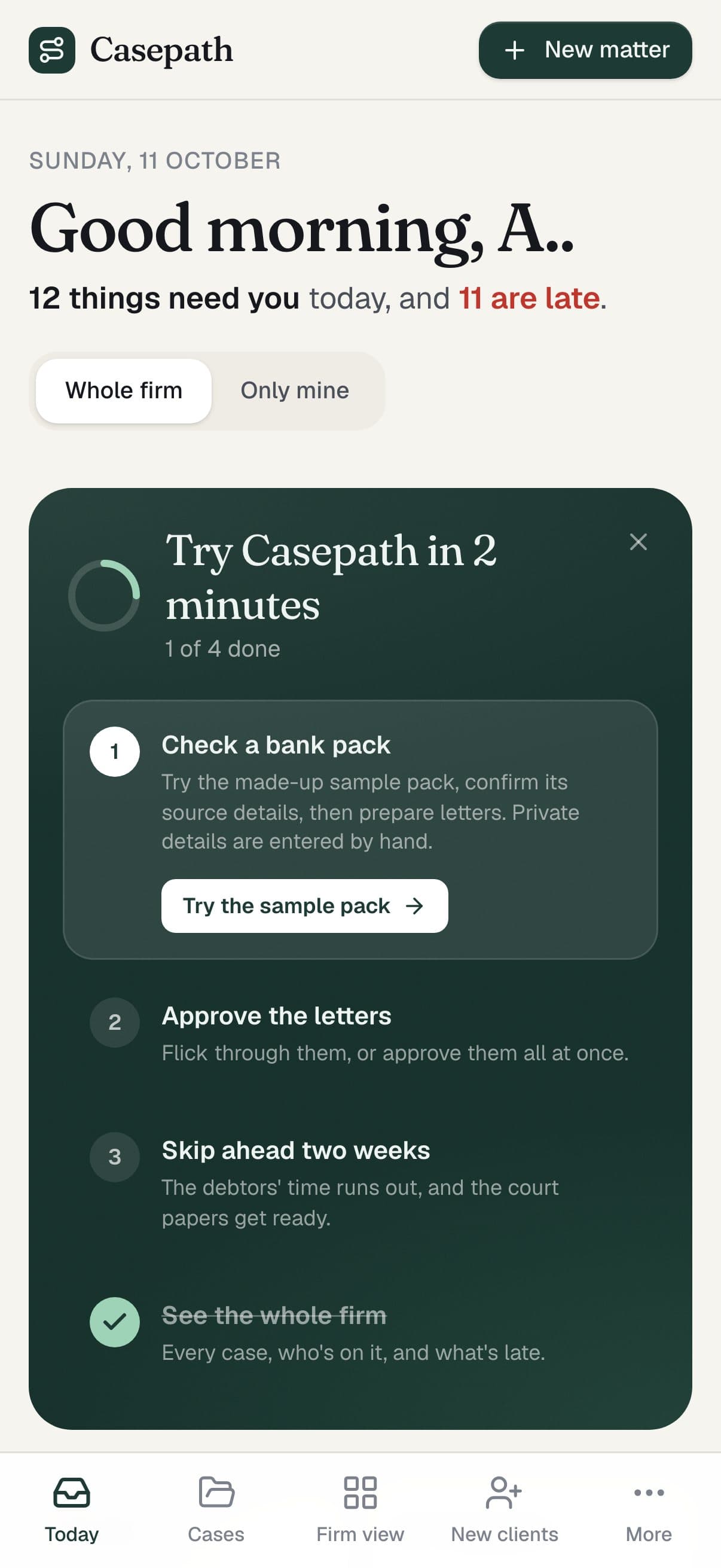
Casepath runs home-loan collections work for South African law firms.
What we built
- Intake for the bank's document pack
- Field-by-field checks against source pages
- Letters on the firm's own Word template
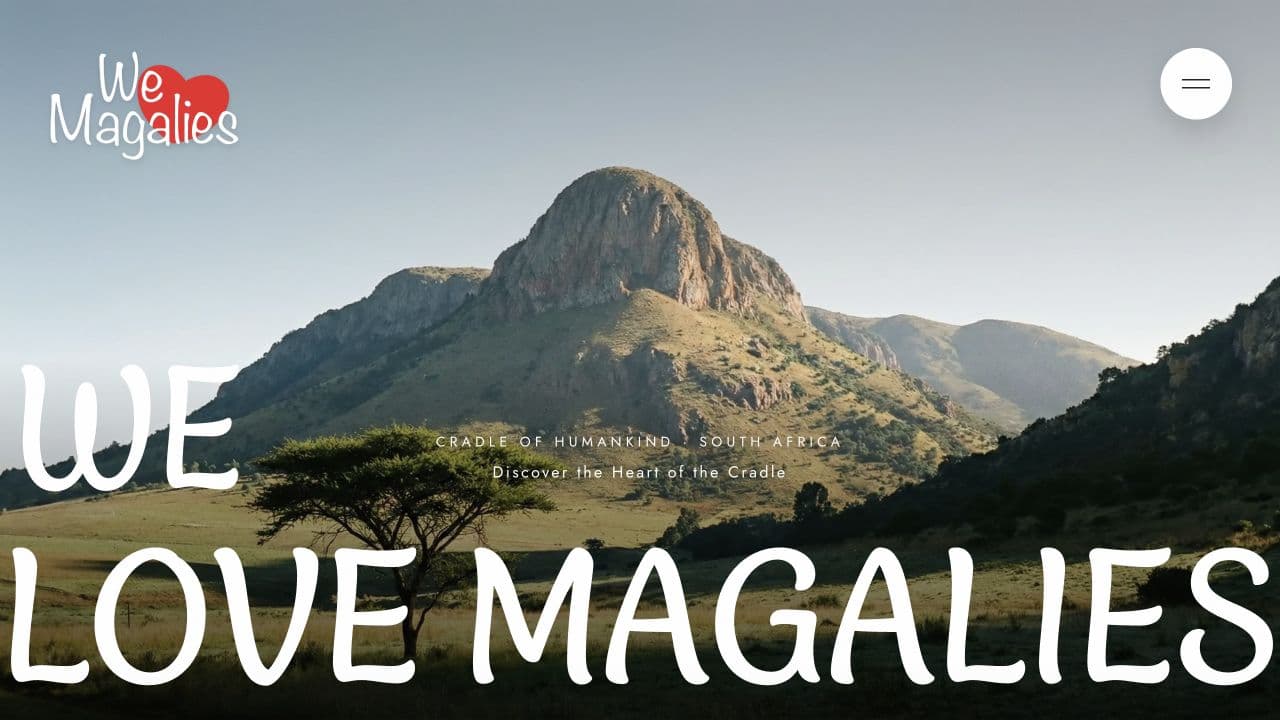
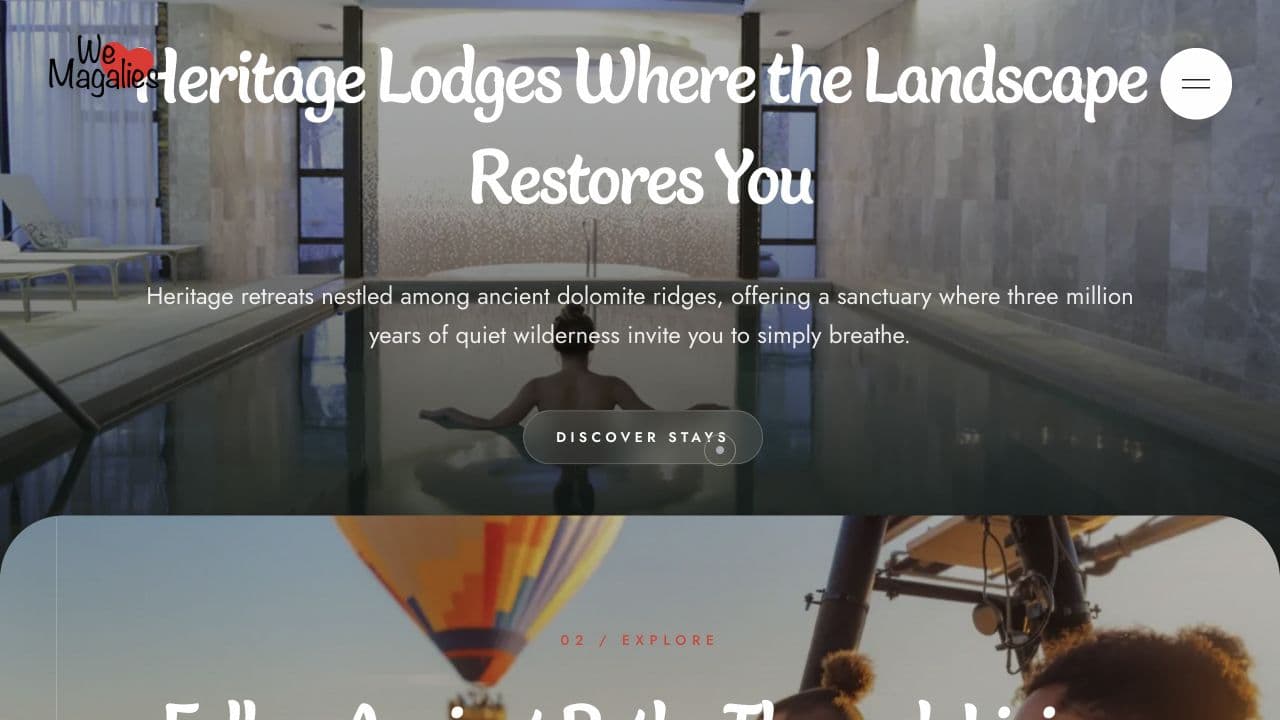
We Love Magalies
The Magalies, all connected.
We Love Magalies is the visitor brand of the region's business forum.
See the case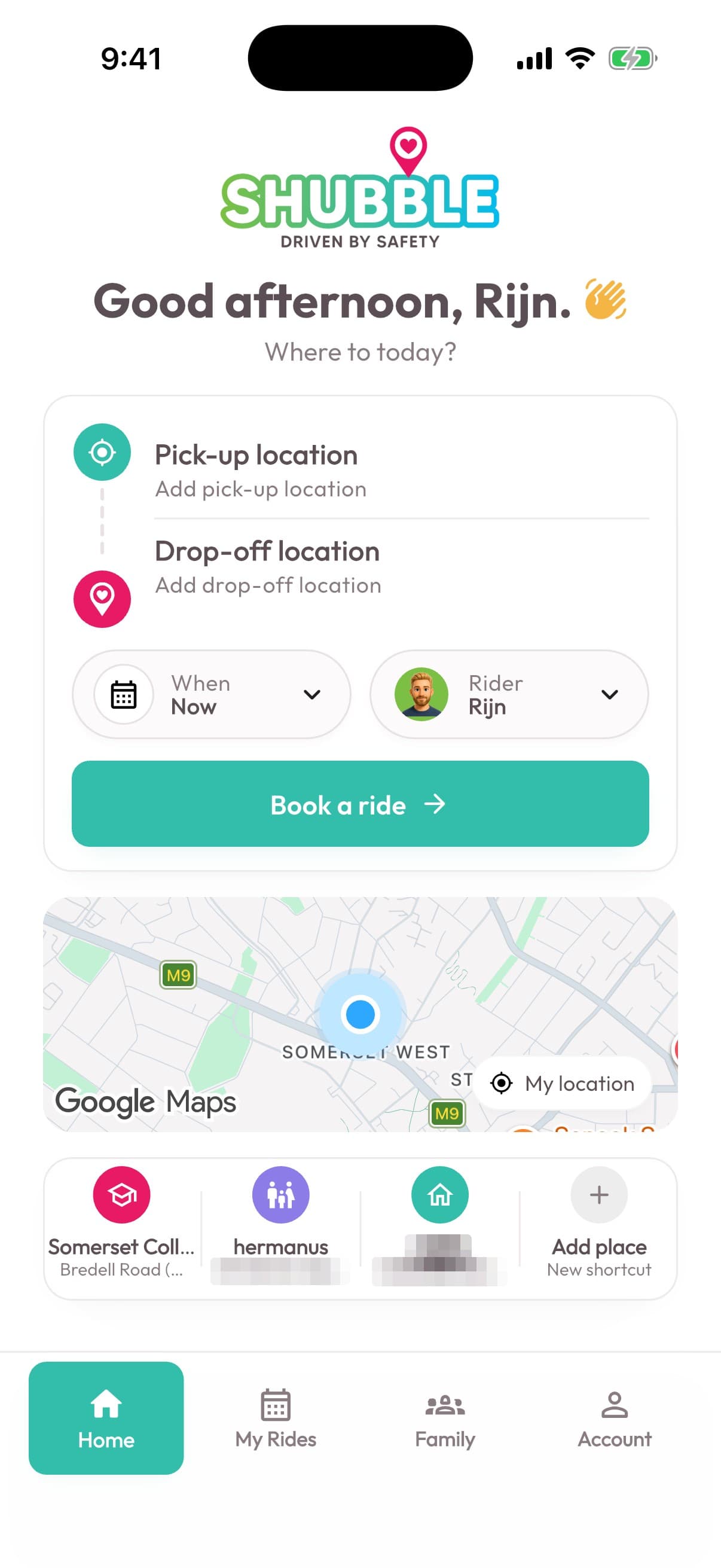
Shubble
Family transport, all connected.
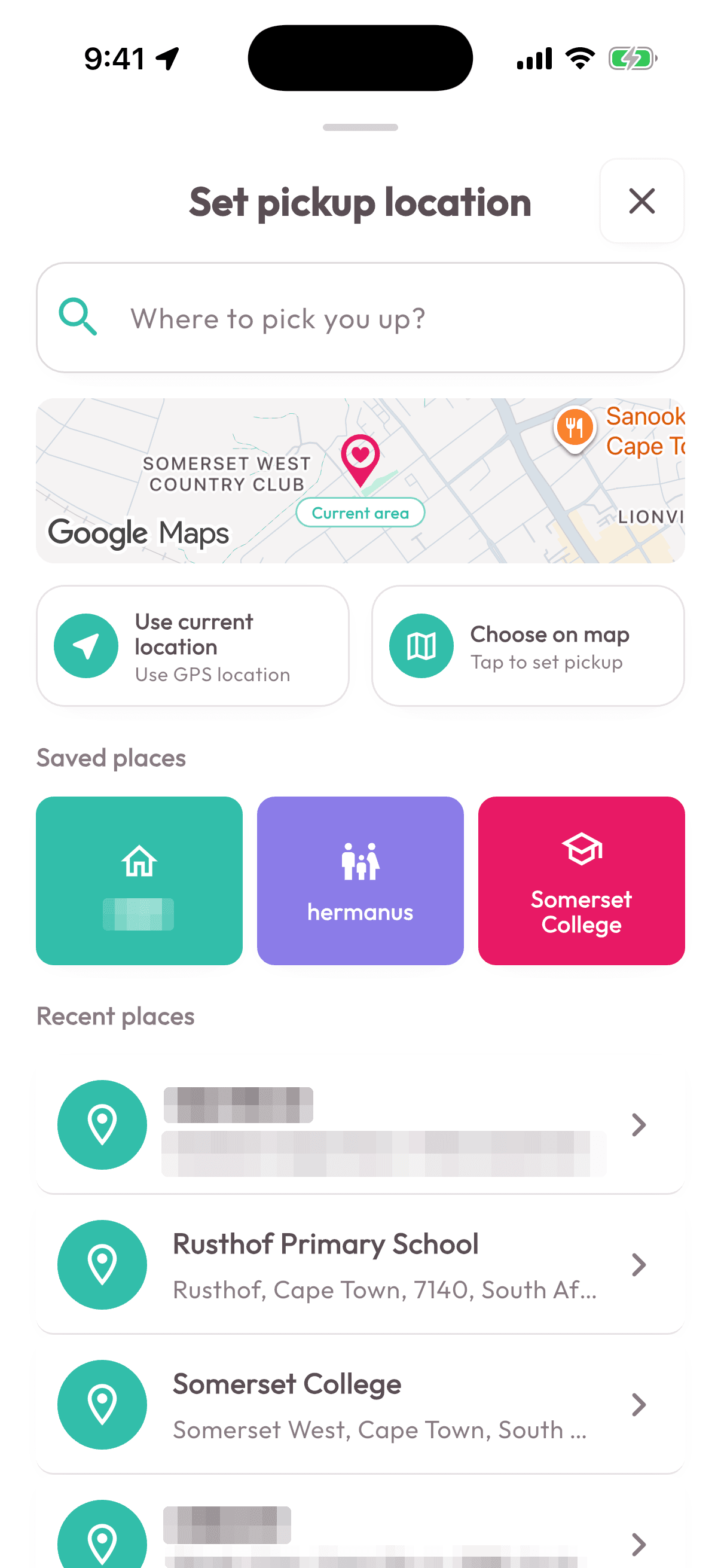
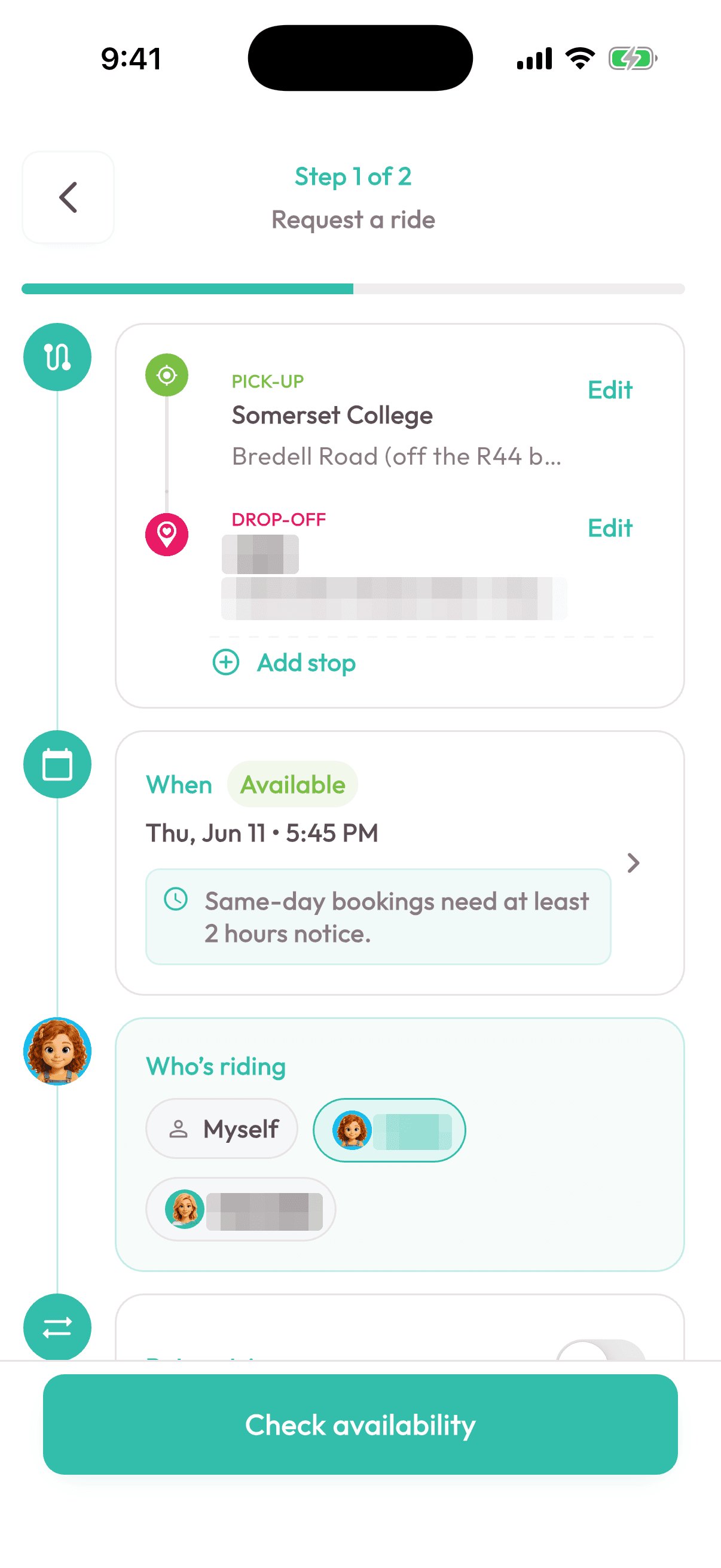
Shubble runs pre-booked family rides across the Western Cape with its own fleet, and it ran on phone calls and WhatsApp.
See the caseThe tools behind it.
Every tool here is in a product we have built and shipped. We pick them once the problem is clear, and set them up in accounts you own.
See the full toolbenchWhy work with us.
A portal rarely stands alone. It links to your website, payments, documents and email. We have built them for family transport, law firms and a regional tourism platform, so we know where the tricky edges are: permissions, history and the record nobody may change quietly.
- From your deposit to a first preview linkUsual timing across our 2026 client builds
- ~1 week
- Products of our own, live or in testingMoteef, Headroom, Seshat, Roomwise
- 4
- Changes we committed across our projects this yearCounted from git, 1 Jan to 11 Oct 2026
- 4 083
Our own counts come from a dated snapshot of our repositories and release feeds (11 October 2026).
Fair questions.
Start with a call.
Tell us what you need. You get a short brief, then a written proposal with a fixed price before any work starts.
Start a conversationWhen different people need different views of the same work, when approvals and history matter, or when customers keep phoning for an update. If an existing tool fits well enough, we will tell you to use it.
Yes. Customers, staff, suppliers and admins each get their own view and permissions, set around how the work really flows. Security is part of the build from day one.
A fixed build fee for the agreed first version. A monthly fee only applies if we host it, support it or keep building it with you, and the proposal spells out what that covers.
Your data is yours. How you get it out, in what format, and what happens if you move on are written into the agreement.