Custom booking and payment systems
Bookings still come in by phone and WhatsApp, and someone types each one into a spreadsheet or a paper book. A booking system built around your rules lets customers book and pay for themselves.
- A fixed price for the first version
- A working version about a week after the deposit
- Your data stays yours; code ownership agreed upfront
Sounds familiar?
Every booking still runs by hand, on the phone and on WhatsApp.
Customers cannot book and pay without someone in the office.
Bookings should only open on certain dates, and the current tool fights that.
Table bookings sit in a third-party widget and a paper book.
x Create is a founder-led software studio in South Africa that designs, builds and operates custom booking and payment systems. It built Shubble's platform, where families book, pay for and follow pre-booked rides to school, campus, work and appointments. It also built table bookings into MelonRouge's website, and it runs The Donkey Dairy's farm-visit bookings, which only offer the days the farm is open.
What it does.
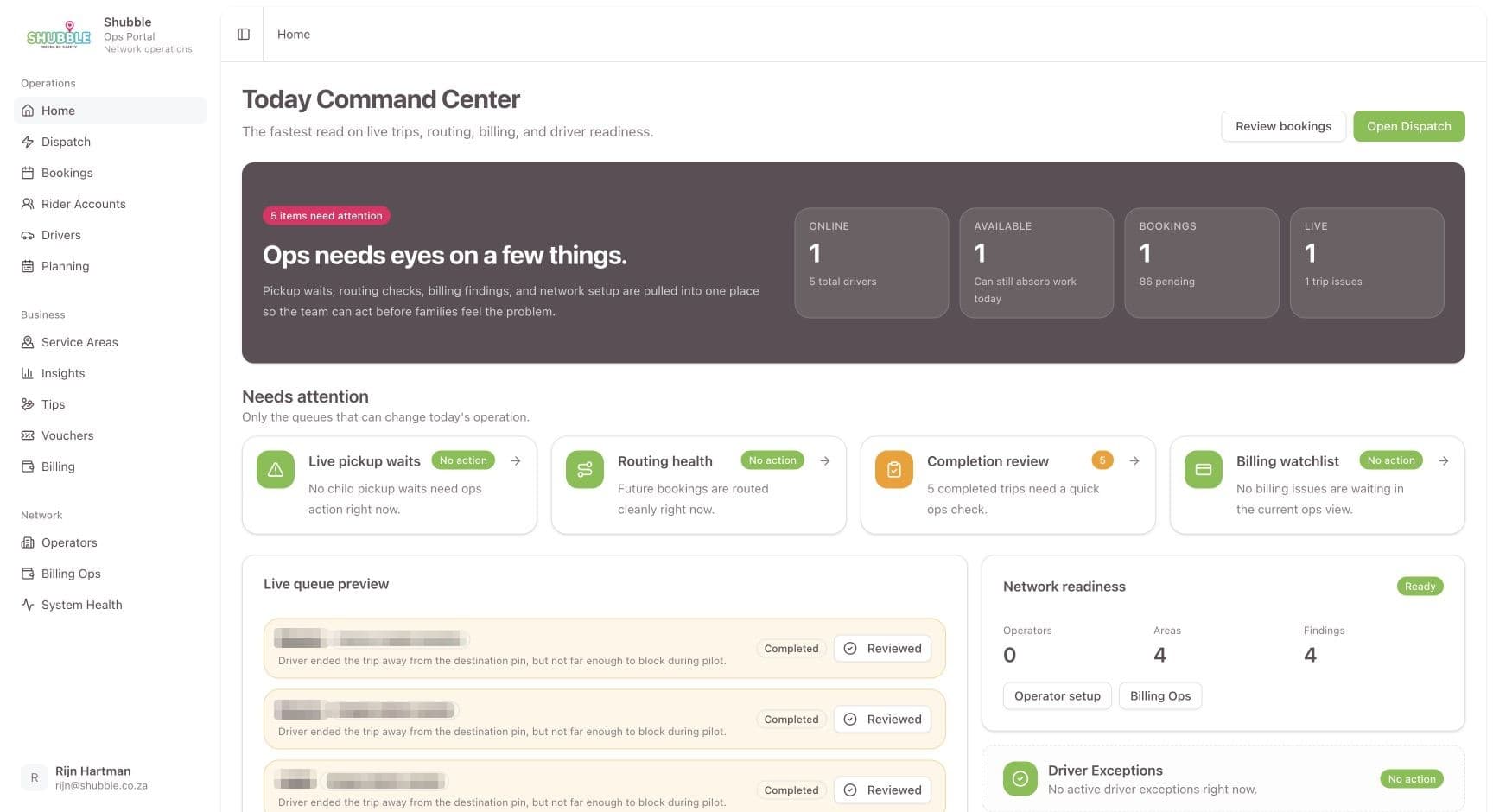
One admin for the office
Bookings, change requests, cancellations and refunds land in one place. Anything that needs judgement goes to a person.
Screen from Shubble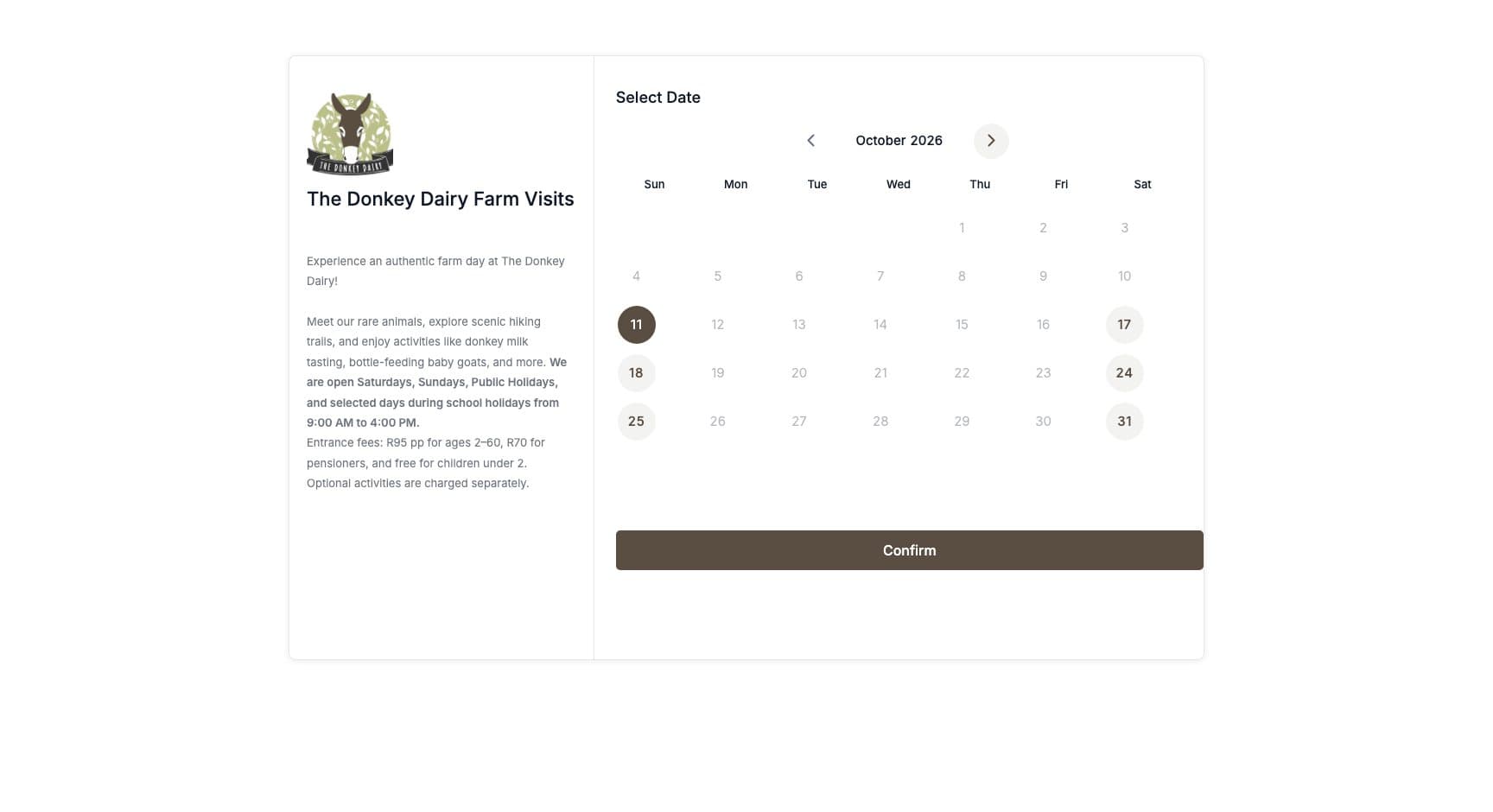
Open days only
The calendar offers only the dates you are open. The Donkey Dairy's farm-visit calendar works this way, with holiday openings added as the farm decides them.
Screen from The Donkey Dairy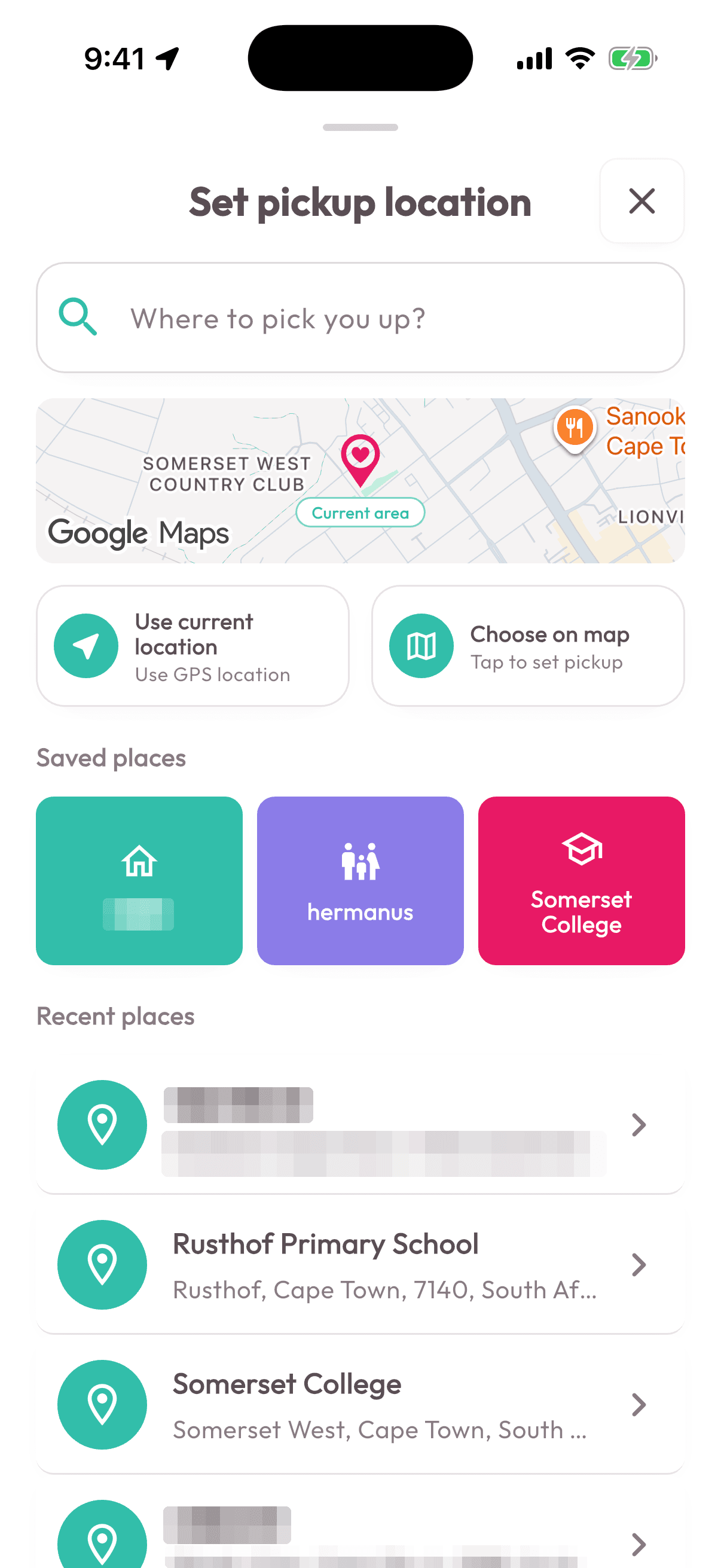
Booking by your rules
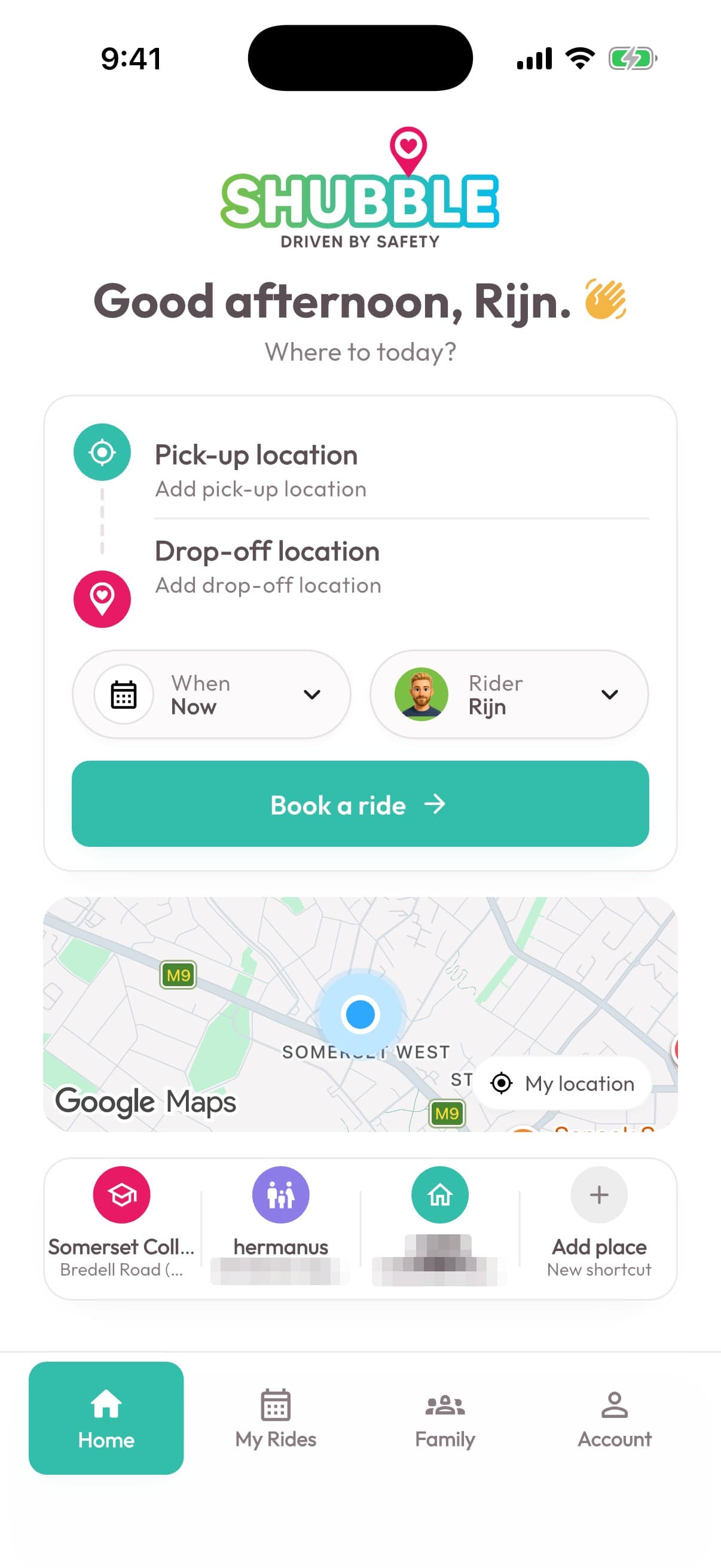
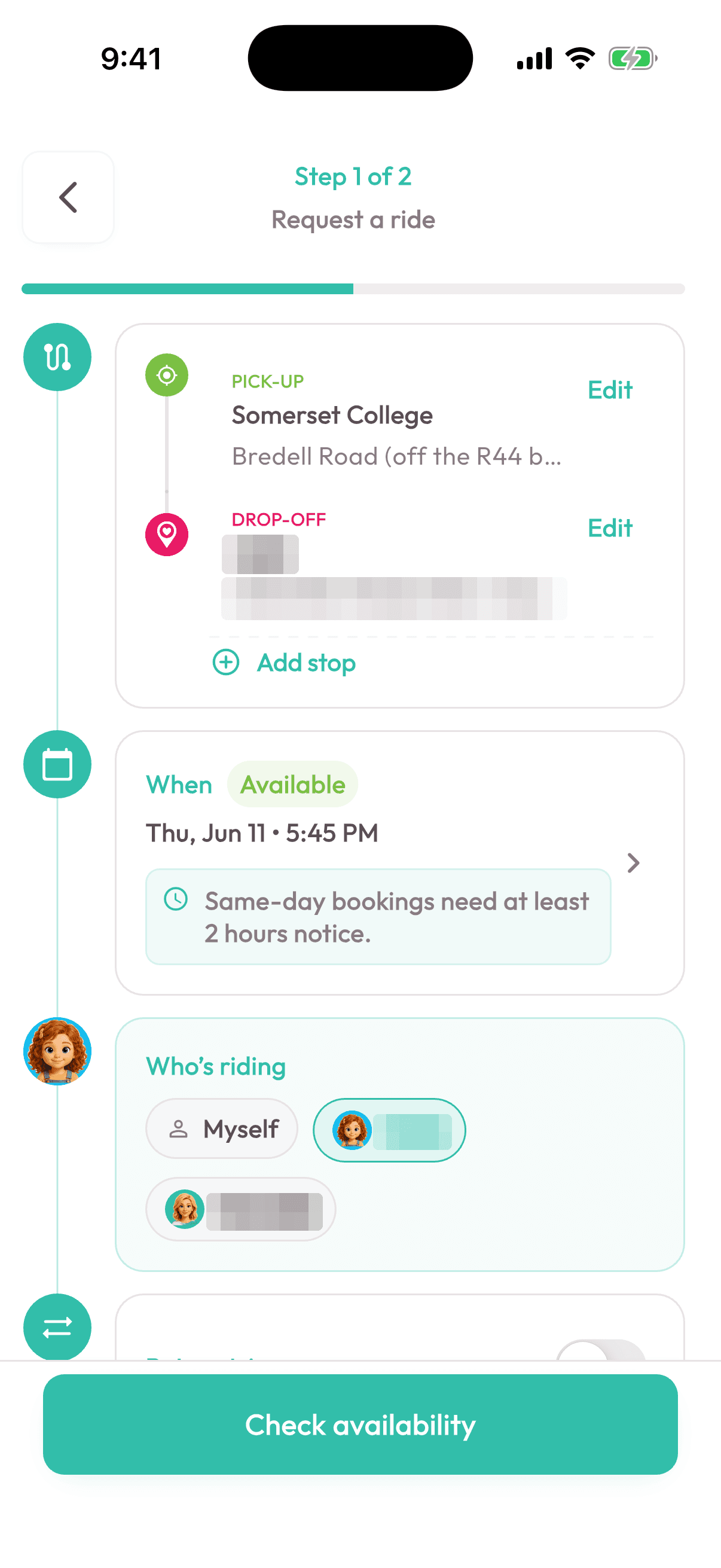
Customers choose what they need, once or on repeat, and the system checks it against your rules. Shubble's checks the service area and real driver capacity before it holds a slot.
Screen from Shubble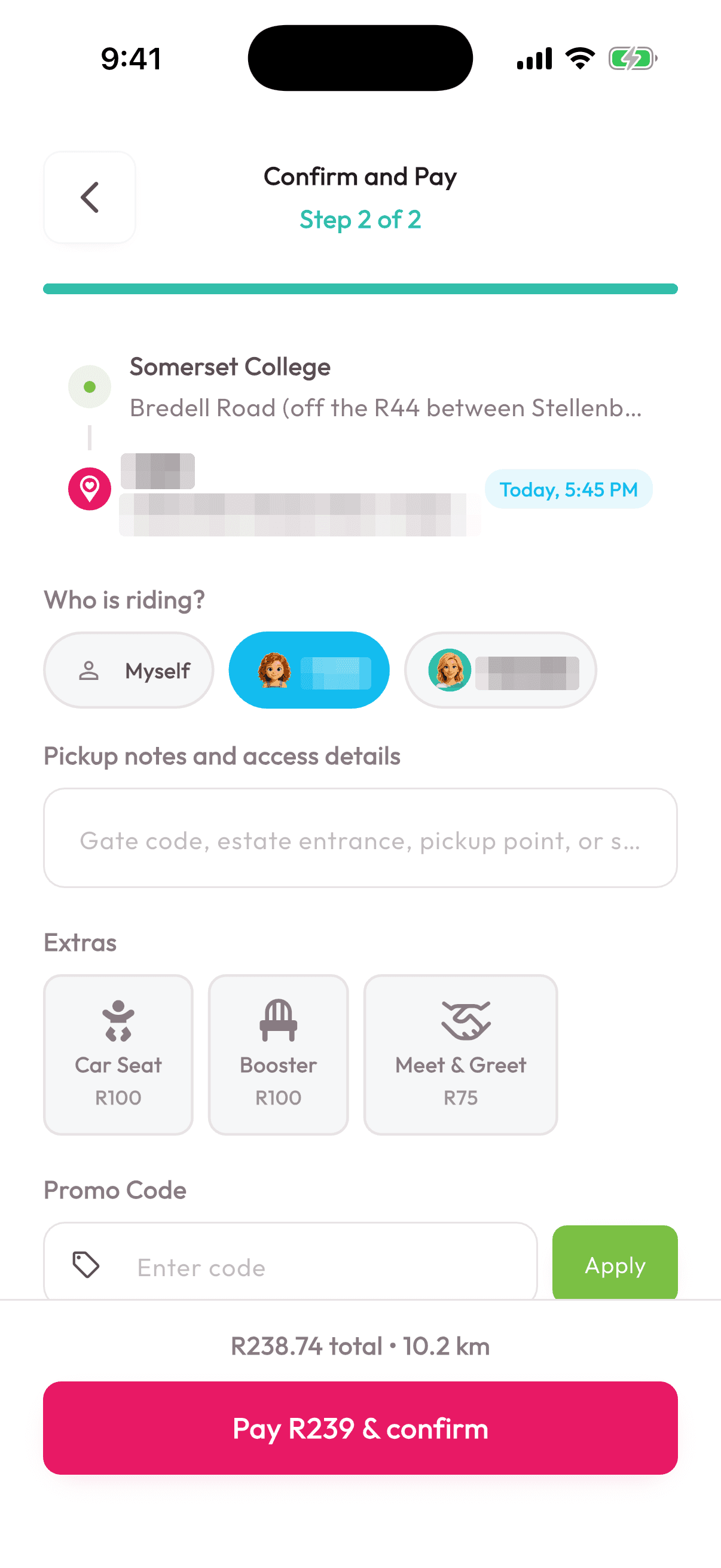
Price and payment upfront
The customer sees the price before paying. On Shubble a family pays by card, saved card or wallet credit, and the ride is only confirmed once the payment is verified.
Screen from Shubble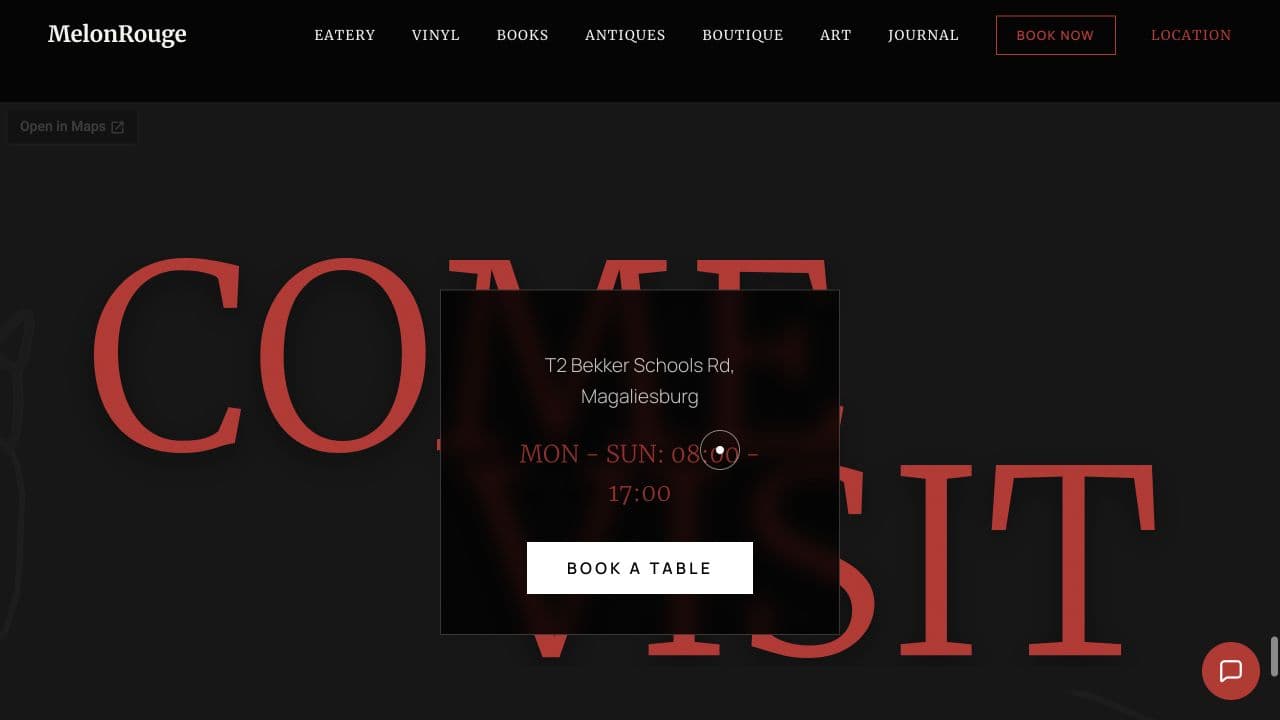
Booking on your website
Customers book on your own site instead of an outside widget. At MelonRouge the restaurant gets each booking by email and in its calendar.
Screen from MelonRouge
How it works.
Start
Step 1: A call
Who uses it, what they need to do and the rules behind it. Bring the spreadsheet, the paper form or the idea.
Before any work
Step 2: Brief and fixed price
A short brief, then a proposal with a fixed price for the first version. Anything that can wait goes on a list for later.
Day 0
Step 3: Agreement and deposit
You sign and pay the deposit. We set up the accounts, data and sign-in first.
About a week later
Step 4: First working version
A working version on a preview link, with real screens to click through.
While we build
Step 5: Build in stages
Feedback by voice note, screenshot or doc. Changes are cheap while we are still building, and simple ones often ship the same day.
On your date
Step 6: Tested and live
AI agents test every flow, from sign-up to payment, on phone and desktop. You pick the launch date.
Then, your choice.
Once it's live, you pick how it carries on. You can change your mind later.
Real projects. Real screens.
A family transport platform with payment built in, table bookings on a venue's own website and farm-visit bookings that follow the farm's open days.
All our work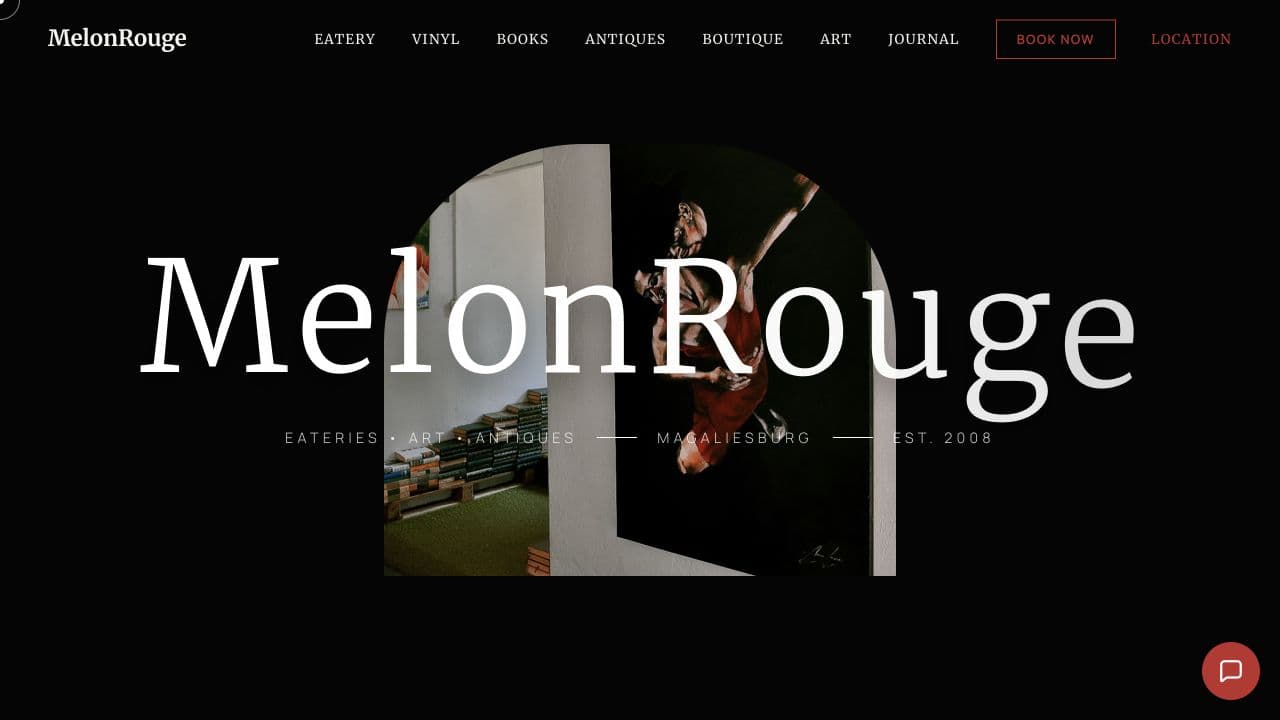
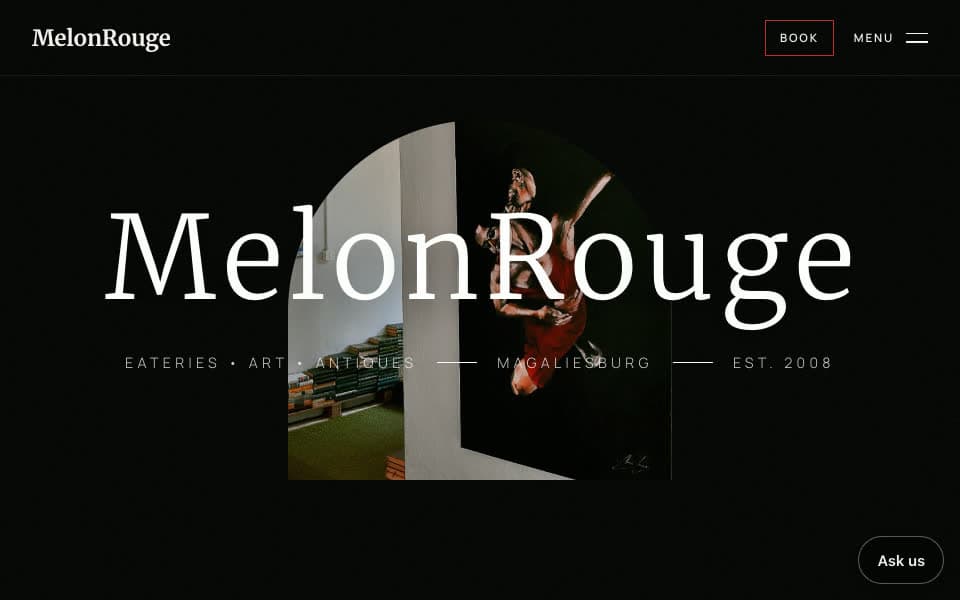
MelonRouge
A whole world in one place.
MelonRouge is six businesses on one Magaliesburg estate: an eatery, records, antiques, books, a boutique and a gallery.
See the case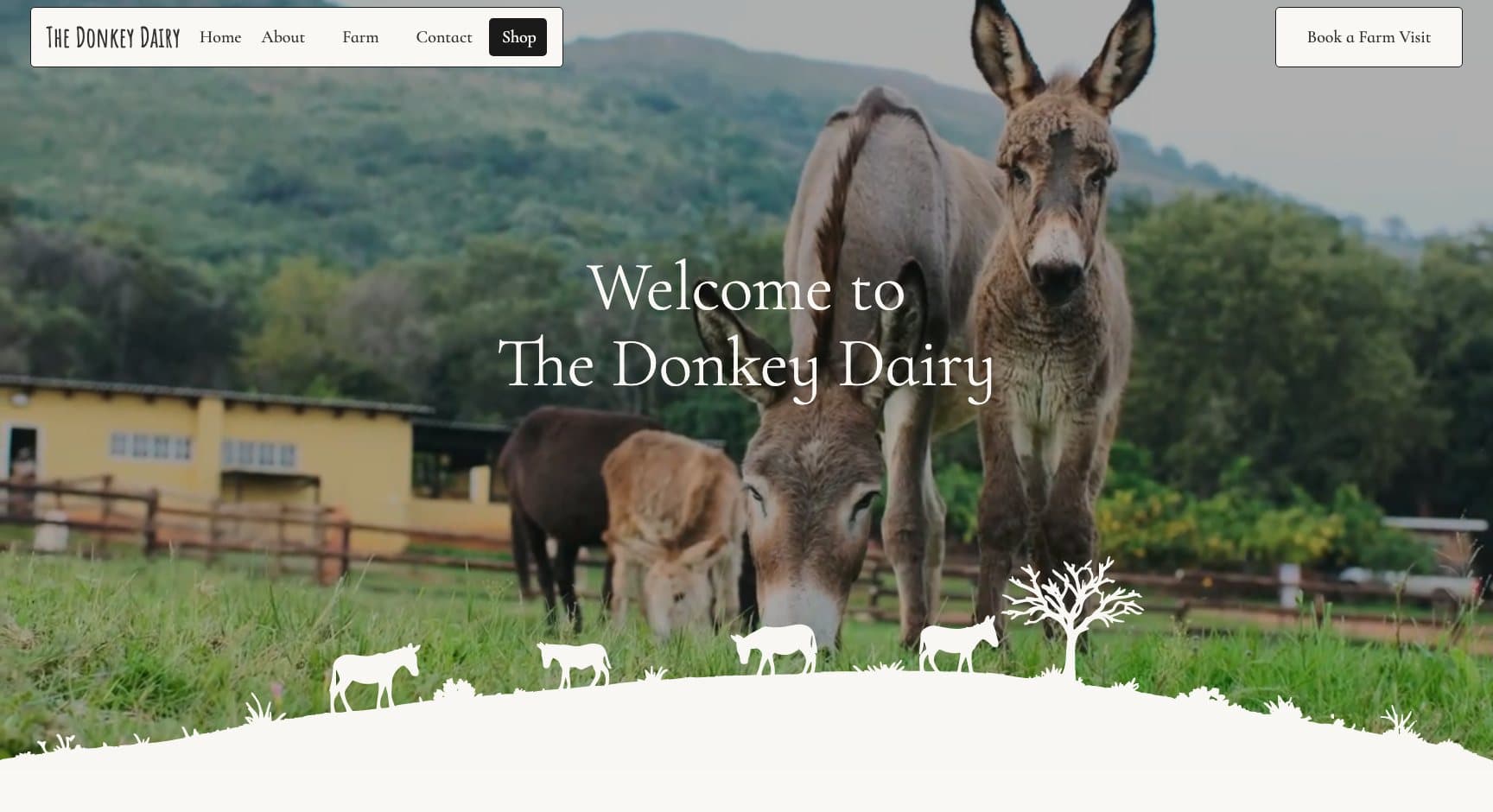

The Donkey Dairy
A farm shop that keeps selling.
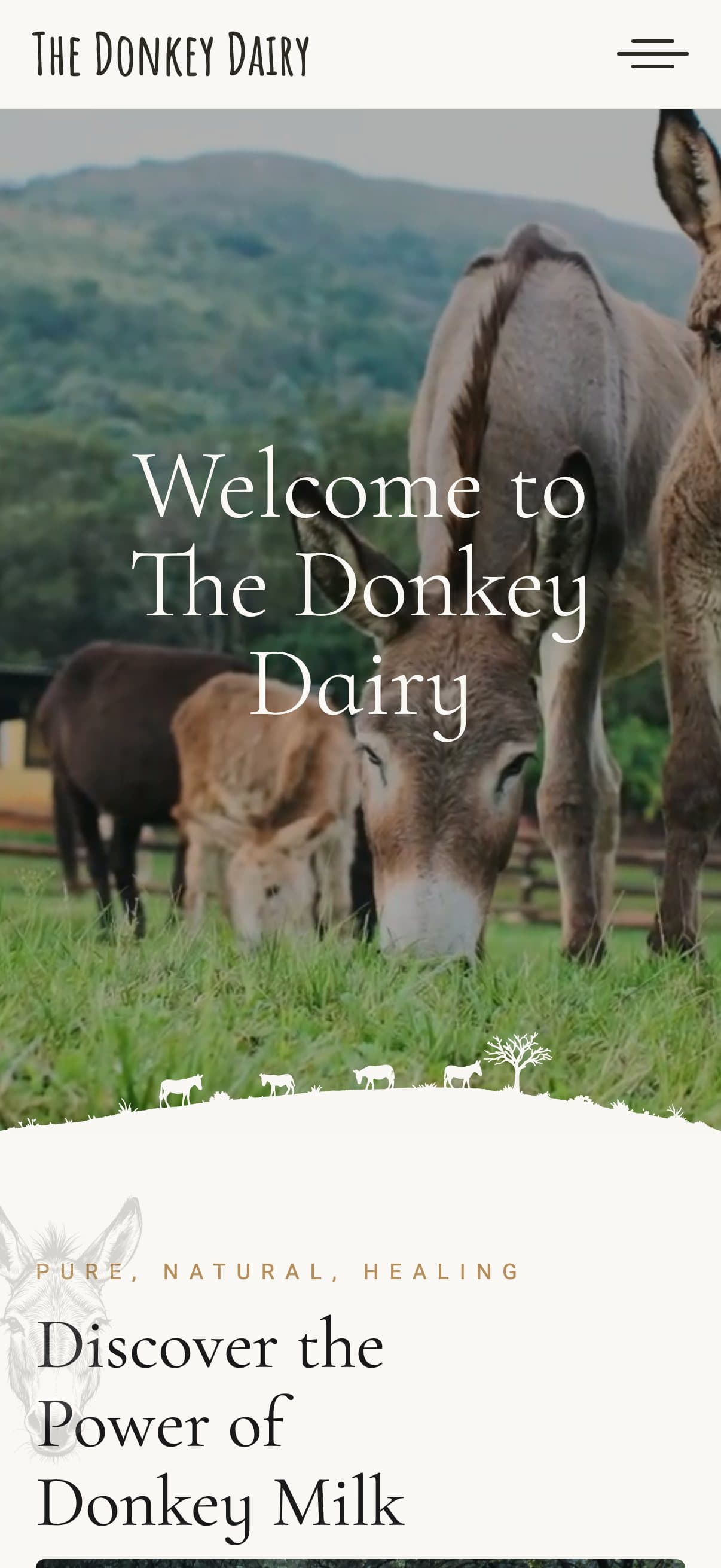
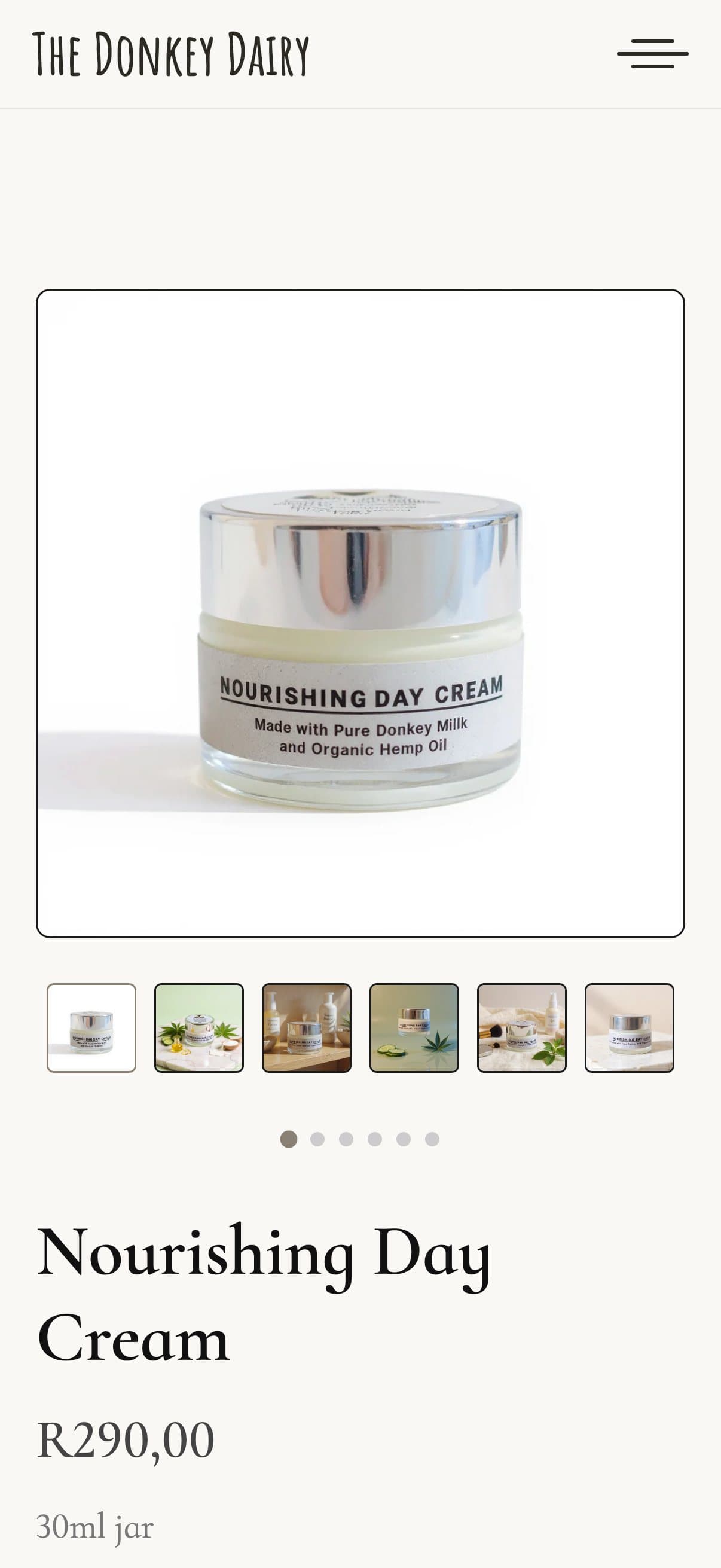
The Donkey Dairy is a working donkey farm near Magaliesburg that makes donkey-milk skincare and welcomes families for farm visits.
See the caseThe tools behind it.
Every tool here is in a product we have built and shipped. We pick them once the problem is clear, and set them up in accounts you own.
See the full toolbenchFair questions.
Start with a call.
After a call and a short written brief, you get a proposal with a fixed price for the agreed first version. Hosting and third-party fees, such as payment provider and messaging charges, are listed separately. A monthly plan for hosting and support is optional.
Start a conversationUse an off-the-shelf tool when your bookings are simple: set slots, one price and standard reminders. It is cheaper to run. The Donkey Dairy's farm-visit bookings run that way, on an existing tool with automations we look after. Build your own when your rules do not fit a template, such as capacity that depends on drivers, or payment that must clear before a booking is confirmed.
It depends on what the system must do: who books, how payment works, how many kinds of user sign in and whether it needs a phone app. After a call and a written brief, you get a fixed price for the agreed first version. Hosting, payment provider fees and any monthly plan are priced separately.
You usually get a working version to click through about a week after the deposit. From there we build in stages with your feedback, and you pick the launch date. A bigger build, such as one with phone apps and payments, gets its own timeline in the proposal.
Yes. On Shubble a family sees the price, pays by card, saved card or wallet credit, and the ride is only confirmed once the payment is verified. A cancelled ride goes back to the family's wallet as credit. While we build, test and live payments stay separate, and real money only switches on as a planned launch step.
Yes. For MelonRouge we built table bookings into the estate's own website, on our booking system, in place of an outside widget. Guests get confirmation and cancellation emails, and the restaurant gets each booking by email and in its calendar. The team still keeps its paper book alongside it.